
A New POS Can Fail Before the First Sale: The Real Work Behind a Smooth Retail Rollout
Buying POS software is the easy part. This guide explains how retailers should clean data, map workflows, train staff, test hardware, migrate products, plan go-live, and measure adoption without disrupting daily sales.
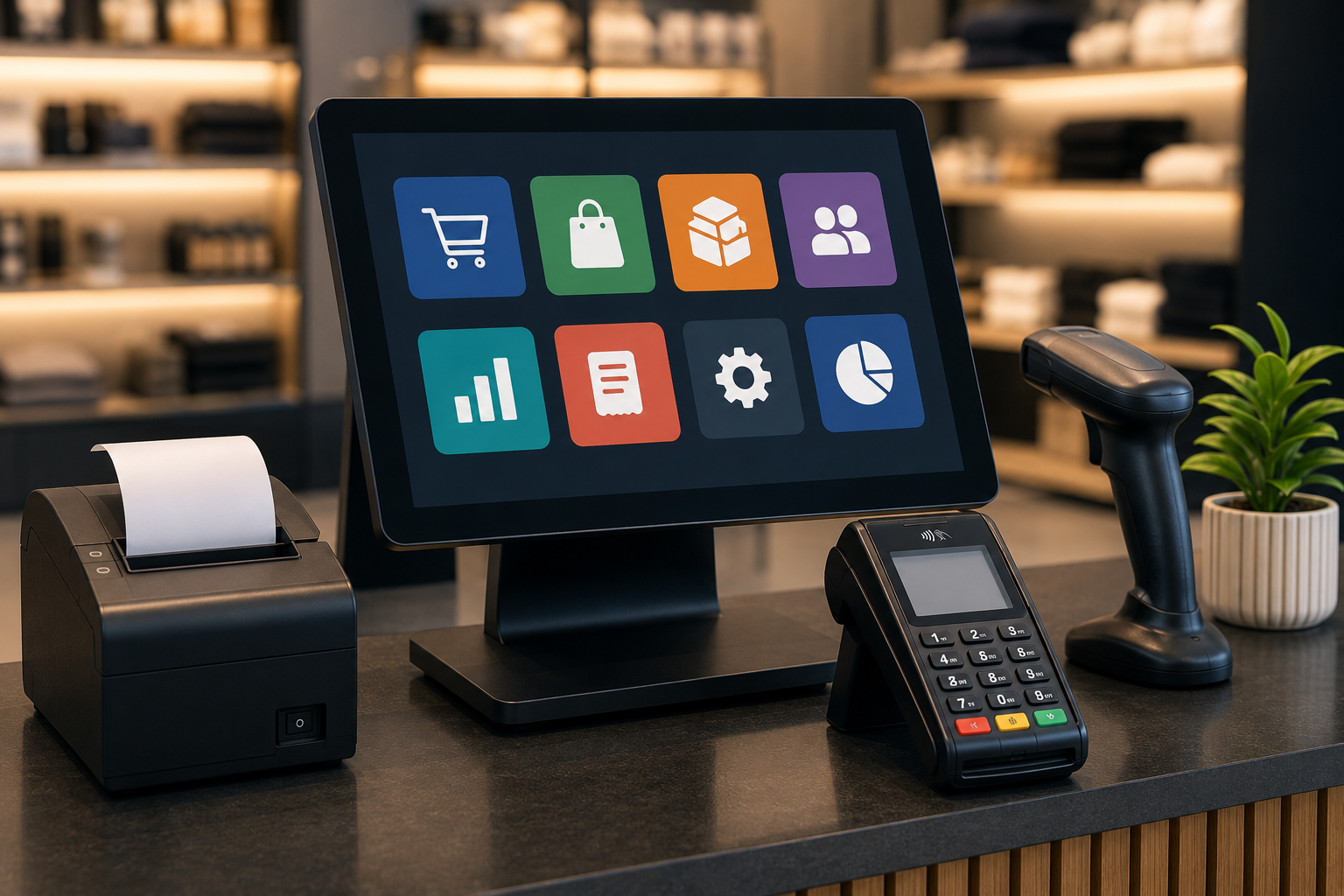
A New POS Can Fail Before the First Sale: The Real Work Behind a Smooth Retail Rollout
Buying POS software is the easy part. This guide explains how retailers should clean data, map workflows, train staff, test hardware, migrate products, plan go-live, and measure adoption without disrupting daily sales.
The Project Starts Before Anyone Installs a Till
Retailers often begin a POS project by comparing features and prices. The more important first step is mapping how the store actually works: who opens the day, who changes prices, how stock arrives, how returns are approved, what happens when a barcode fails, and which reports finance needs after closing.
If those details remain undocumented, the new system simply exposes disagreement that already existed. One branch may count cartons while another counts individual units. One cashier may create a new product when search fails, while another applies a manual price. Technology cannot standardize a process that management has never defined.
In practice, Retailers often begin a POS project by comparing features and prices. The more important first step is mapping how the store actually works: who opens the day, who changes prices, how stock arrives, how returns are approved, what happens when a barcode fails, and which reports finance needs after closing. Create a migration rule for every data type. Decide the source of truth, required fields, transformation rules, validation owner, and rollback method. Import into a test environment first, then compare counts, totals, sample records, taxes, costs, stock by branch, and search behavior. A retailer should document the decision, assign one owner, test it with real store data, and verify the outcome after launch.
Migration Is a Business Decision, Not a File Upload
Migration is usually described as moving products, customers, suppliers, stock, and historical transactions from the old system. In reality, the retailer must decide what deserves to move. Duplicate SKUs, inactive customers, wrong tax codes, obsolete prices, shared barcodes, negative stock, and inconsistent categories should not be copied blindly.
Create a migration rule for every data type. Decide the source of truth, required fields, transformation rules, validation owner, and rollback method. Import into a test environment first, then compare counts, totals, sample records, taxes, costs, stock by branch, and search behavior.
Training that follows a perfect sale is not enough. Employees need to practise a damaged barcode, an item without price, an exchange, a partial refund, a payment failure, a customer dispute, a manager approval, a cash difference, a printer problem, and an offline transaction.
In practice, Create a migration rule for every data type. Decide the source of truth, required fields, transformation rules, validation owner, and rollback method. Import into a test environment first, then compare counts, totals, sample records, taxes, costs, stock by branch, and search behavior. Go-live day should have named owners for software, hardware, payments, data, store operations, and vendor communication. Each issue needs a severity level, an escalation path, a decision owner, and a record of what happened. A retailer should document the decision, assign one owner, test it with real store data, and verify the outcome after launch.
Train for Real Exceptions, Not Perfect Demonstrations
Use role-based training. Cashiers need speed and exceptions. Supervisors need approvals and reconciliation. Stock teams need receiving, transfers, counts, and damage. Owners need reports, permissions, alerts, and audit history. Teaching every screen to every person wastes time and lowers retention.
Go-live day should have named owners for software, hardware, payments, data, store operations, and vendor communication. Each issue needs a severity level, an escalation path, a decision owner, and a record of what happened.
A phased rollout is usually safer than changing every branch at once. Begin with a representative location, not the easiest one. Observe peak hours, returns, delivery receiving, shift changes, end-of-day close, and the first stock reconciliation before expanding.
In practice, If those details remain undocumented, the new system simply exposes disagreement that already existed. One branch may count cartons while another counts individual units. One cashier may create a new product when search fails, while another applies a manual price. Technology cannot standardize a process that management has never defined. Launch is not success. Adoption appears in transaction speed, reduced manual overrides, accurate stock, consistent return reasons, lower support requests, correct report usage, and fewer employees falling back to spreadsheets or old devices. A retailer should document the decision, assign one owner, test it with real store data, and verify the outcome after launch.
Go-Live Needs a Command Plan
Launch is not success. Adoption appears in transaction speed, reduced manual overrides, accurate stock, consistent return reasons, lower support requests, correct report usage, and fewer employees falling back to spreadsheets or old devices.
In practice, Training that follows a perfect sale is not enough. Employees need to practise a damaged barcode, an item without price, an exchange, a partial refund, a payment failure, a customer dispute, a manager approval, a cash difference, a printer problem, and an offline transaction. The best rollout is not the one with zero questions. It is the one where questions are expected, ownership is clear, data is trusted, staff know how to recover, and the business improves after the initial learning period. A retailer should document the decision, assign one owner, test it with real store data, and verify the outcome after launch.
Adoption Is Measured After Launch
Review adoption after one day, one week, one month, and one quarter. Fix confusing fields, permissions, report definitions, product search, shortcuts, and training gaps. A system that staff avoid is not implemented, even if it is technically online.
Dashierly or any POS should be assessed by the full transition experience: onboarding, data import, device setup, roles, training, support, migration verification, reporting, audit, and the ability to correct mistakes without rebuilding everything.
The best rollout is not the one with zero questions. It is the one where questions are expected, ownership is clear, data is trusted, staff know how to recover, and the business improves after the initial learning period.
In practice, Migration is usually described as moving products, customers, suppliers, stock, and historical transactions from the old system. In reality, the retailer must decide what deserves to move. Duplicate SKUs, inactive customers, wrong tax codes, obsolete prices, shared barcodes, negative stock, and inconsistent categories should not be copied blindly. If those details remain undocumented, the new system simply exposes disagreement that already existed. One branch may count cartons while another counts individual units. One cashier may create a new product when search fails, while another applies a manual price. Technology cannot standardize a process that management has never defined. A retailer should document the decision, assign one owner, test it with real store data, and verify the outcome after launch.
Keep reading
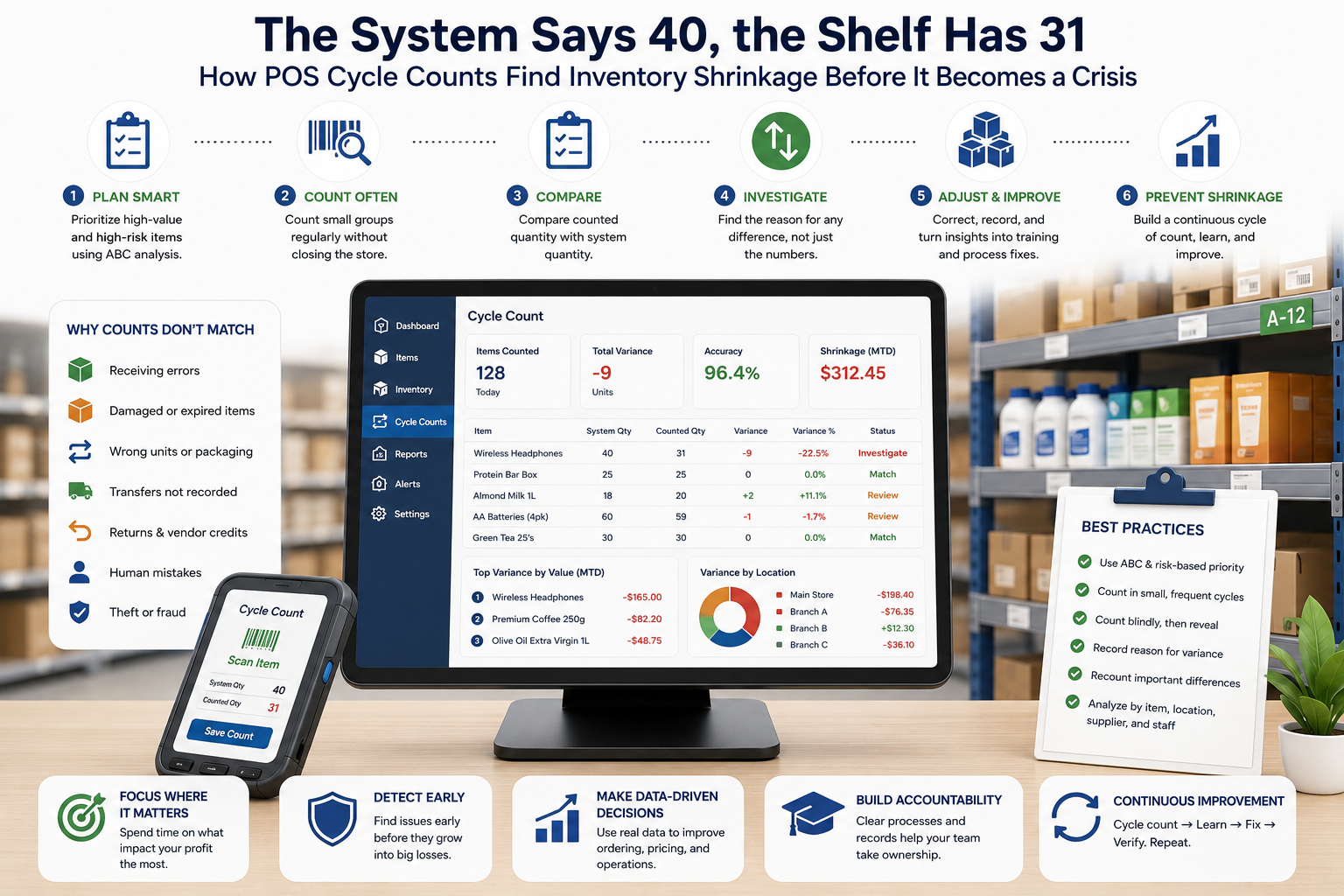
The System Says 40, the Shelf Has 31: How POS Cycle Counts Find Inventory Shrinkage Before It Becomes a Crisis
Inventory discrepancies rarely appear all at once. They build through receiving mistakes, unrecorded damage, wrong units, theft, transfers, returns, and stock adjustments. Learn how POS cycle counts, variance analysis, and root-cause workflows restore accuracy without closing the entire store.
Read article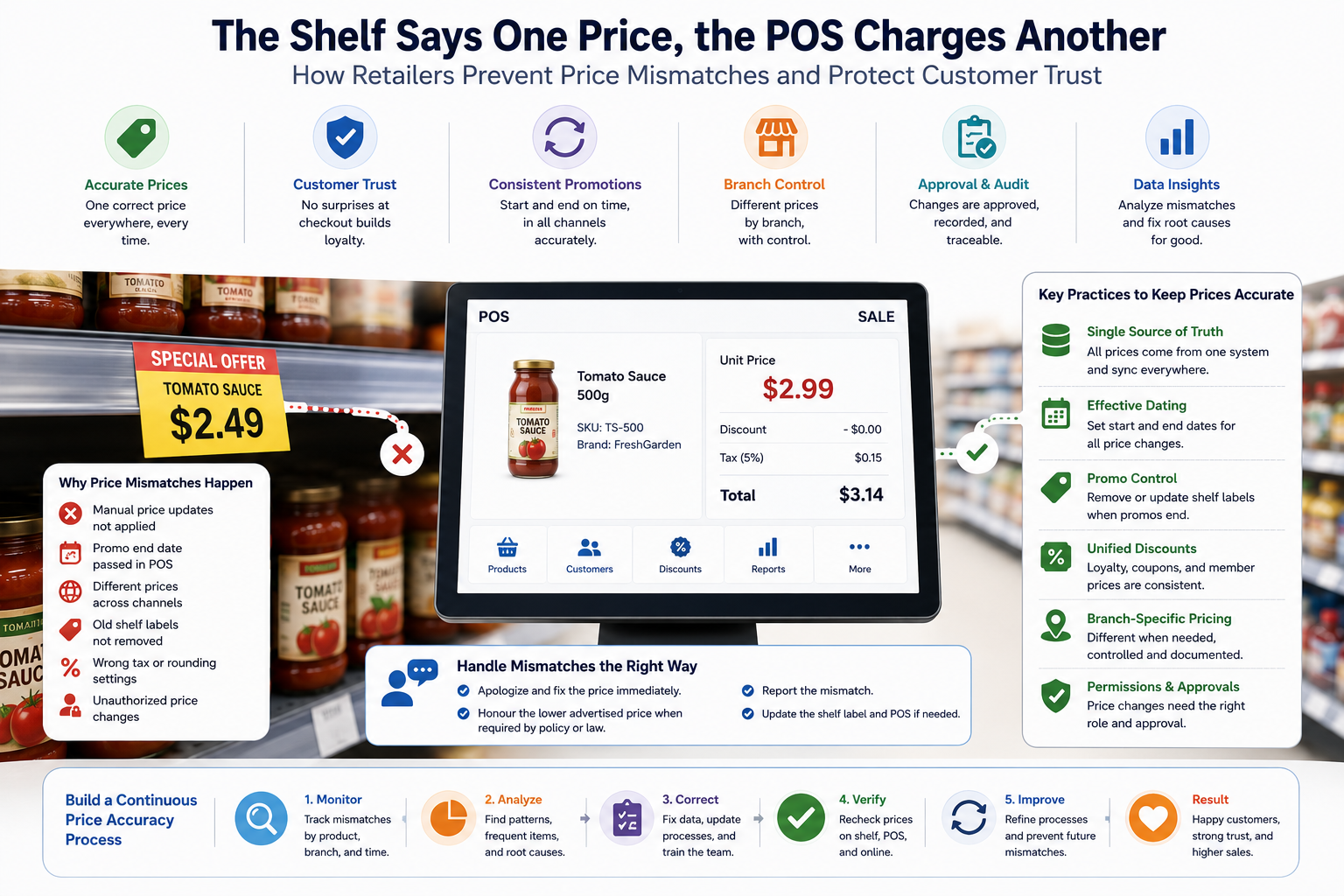
The Shelf Says One Price, the POS Charges Another: How Retailers Prevent Price Mismatches and Protect Customer Trust
Price mismatches are more than an awkward checkout moment. They create refunds, complaints, margin leakage, regulatory risk, and lost trust. Learn how a modern POS should synchronize price lists, shelf labels, promotions, branches, taxes, and approvals.
Read article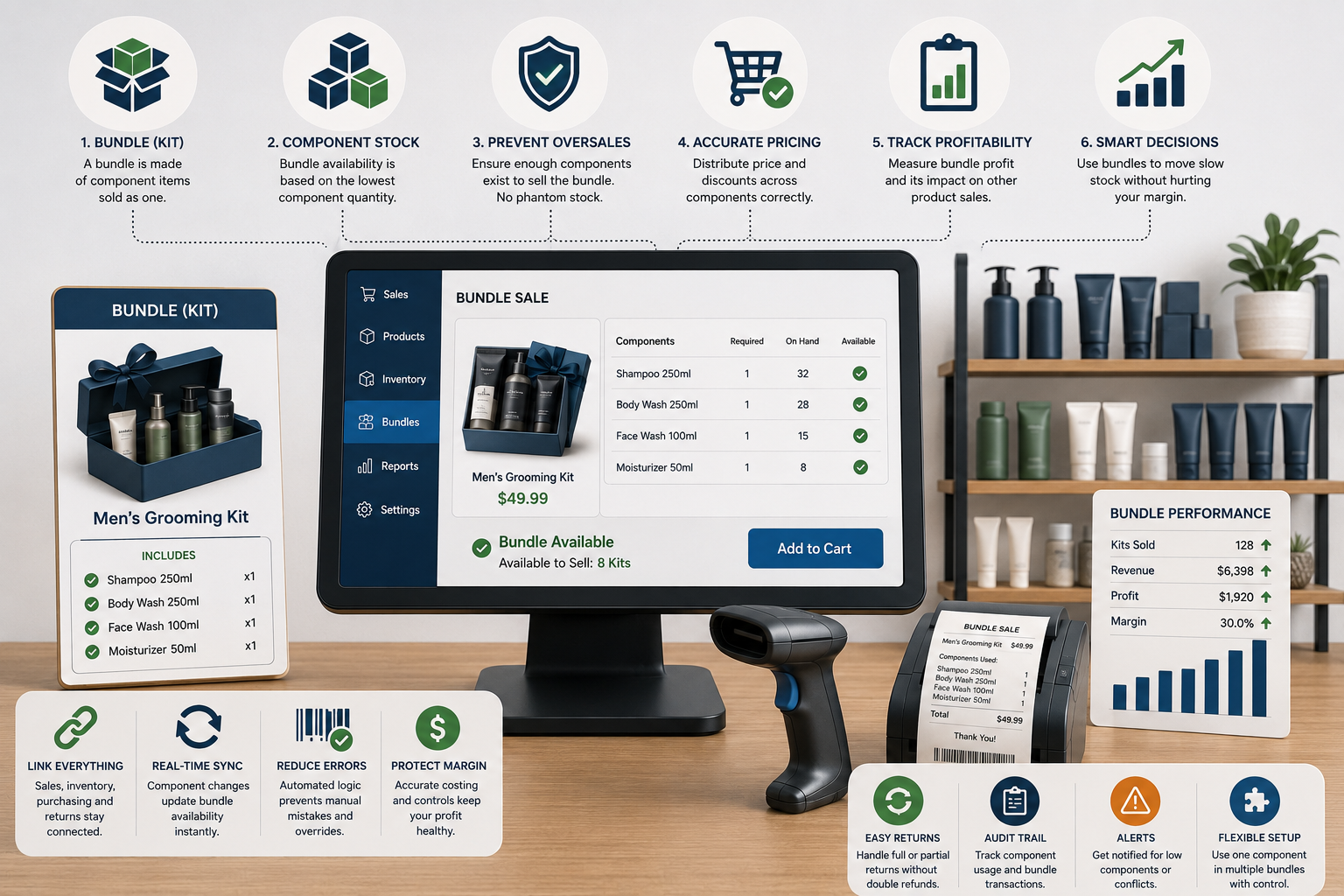
The Bundle Sold Out, but Every Item Is Still on the Shelf: How POS Systems Should Manage Kits, Multipacks, and Component Stock
Bundles can raise basket value, simplify buying, and move slow stock—but poor setup creates phantom availability, overselling, wrong costs, and confusing returns. Learn how POS systems should manage components, pricing, inventory, purchasing, and profitability.
Read article