
Who Changed the Price? How POS Permissions and Audit Trails Protect Retail Operations
Retail losses and operational mistakes often begin with shared logins, excessive permissions, and actions that cannot be traced. Learn how role-based access, personal accounts, approvals, and POS audit logs create accountability without slowing the store.
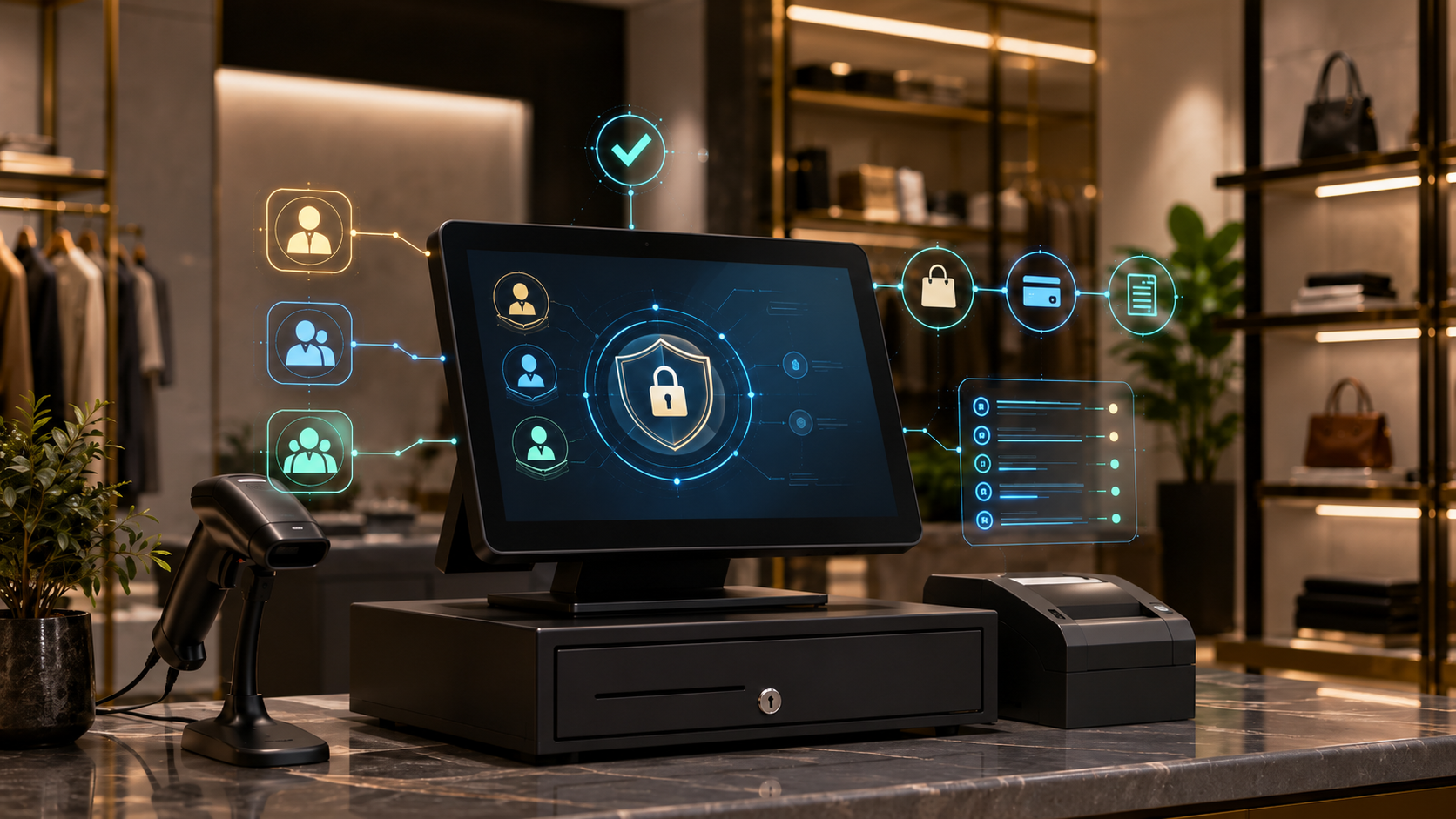
Who Changed the Price? How POS Permissions and Audit Trails Protect Retail Operations
Retail losses and operational mistakes often begin with shared logins, excessive permissions, and actions that cannot be traced. Learn how role-based access, personal accounts, approvals, and POS audit logs create accountability without slowing the store.
Shared Logins Remove the Truth
When every cashier uses the same PIN, a report can show that a price was changed, a refund was issued, or a drawer was opened, but it cannot show who actually did it. The system has recorded activity without creating accountability.
Shared accounts also encourage unsafe habits. Employees disclose passwords, managers leave devices unlocked, former staff retain access, and one person can act under another person’s identity.
For example, When every cashier uses the same PIN, a report can show that a price was changed, a refund was issued, or a drawer was opened, but it cannot show who actually did it. The system has recorded activity without creating accountability. Permissions should be based on tasks, location, value limits, time, and risk. A temporary employee in one branch does not need company-wide customer exports, accounting settings, payroll data, or the ability to delete audit records. The control should be reviewed with real store scenarios so it protects the business without forcing employees to share credentials or bypass the system.
Least Privilege Must Match Real Store Work
Least privilege means each role receives only the access needed for normal work. A cashier may sell, hold an order, reprint a receipt, and request a refund, while a supervisor approves high discounts and a finance user reviews settlements without editing products.
Permissions should be based on tasks, location, value limits, time, and risk. A temporary employee in one branch does not need company-wide customer exports, accounting settings, payroll data, or the ability to delete audit records.
For example, Permissions should be based on tasks, location, value limits, time, and risk. A temporary employee in one branch does not need company-wide customer exports, accounting settings, payroll data, or the ability to delete audit records. A useful audit event needs more than the employee name. It should show date and time, branch, device, user, original value, new value, reason, related sale or product, approver, payment impact, and whether the action succeeded or was reversed. The control should be reviewed with real store scenarios so it protects the business without forcing employees to share credentials or bypass the system.
Sensitive Actions Need Approvals, Not Workarounds
Sensitive actions include large discounts, price overrides, no-receipt refunds, payment-method changes, cash paid out, stock adjustments, product-cost edits, user creation, permission changes, and deletion or export of data.
The goal is not to block the store. Use approval codes, manager prompts, value thresholds, reason selection, temporary elevation, or remote approval so legitimate work can continue with evidence.
For example, Shared accounts also encourage unsafe habits. Employees disclose passwords, managers leave devices unlocked, former staff retain access, and one person can act under another person’s identity. Do not read every log line every day. Build exception reports for repeated overrides, unusual refunds, excessive voids, after-hours access, role changes, failed logins, shared-device patterns, negative stock adjustments, and activity outside the employee’s branch. The control should be reviewed with real store scenarios so it protects the business without forcing employees to share credentials or bypass the system.
An Audit Trail Must Explain the Whole Event
A useful audit event needs more than the employee name. It should show date and time, branch, device, user, original value, new value, reason, related sale or product, approver, payment impact, and whether the action succeeded or was reversed.
Logs should be searchable and protected from ordinary editing. If a manager can change a price and remove the evidence with the same permission, the audit trail is not a control.
For example, Sensitive actions include large discounts, price overrides, no-receipt refunds, payment-method changes, cash paid out, stock adjustments, product-cost edits, user creation, permission changes, and deletion or export of data. Dashierly or any POS should connect personal logins, roles, approvals, transactions, inventory, refunds, cash activity, branches, and audit history. The strongest control makes good work easy, risky work visible, and every important change explainable. The control should be reviewed with real store scenarios so it protects the business without forcing employees to share credentials or bypass the system.
Use Exceptions to Improve the Process
Do not read every log line every day. Build exception reports for repeated overrides, unusual refunds, excessive voids, after-hours access, role changes, failed logins, shared-device patterns, negative stock adjustments, and activity outside the employee’s branch.
An exception does not prove fraud. It identifies activity that deserves context. A cashier may have repeated voids because a barcode is wrong, a payment terminal is unstable, or training is weak.
For example, Least privilege means each role receives only the access needed for normal work. A cashier may sell, hold an order, reprint a receipt, and request a refund, while a supervisor approves high discounts and a finance user reviews settlements without editing products. Shared accounts also encourage unsafe habits. Employees disclose passwords, managers leave devices unlocked, former staff retain access, and one person can act under another person’s identity. The control should be reviewed with real store scenarios so it protects the business without forcing employees to share credentials or bypass the system.
For example, A useful audit event needs more than the employee name. It should show date and time, branch, device, user, original value, new value, reason, related sale or product, approver, payment impact, and whether the action succeeded or was reversed. An exception does not prove fraud. It identifies activity that deserves context. A cashier may have repeated voids because a barcode is wrong, a payment terminal is unstable, or training is weak. The control should be reviewed with real store scenarios so it protects the business without forcing employees to share credentials or bypass the system.
Build Accountability Without Creating Fear
Accountability works when policy is clear, investigation is fair, and employees understand what is recorded and why. Secret monitoring and automatic accusations damage trust and encourage staff to hide honest mistakes.
Dashierly or any POS should connect personal logins, roles, approvals, transactions, inventory, refunds, cash activity, branches, and audit history. The strongest control makes good work easy, risky work visible, and every important change explainable.
For example, The goal is not to block the store. Use approval codes, manager prompts, value thresholds, reason selection, temporary elevation, or remote approval so legitimate work can continue with evidence. Sensitive actions include large discounts, price overrides, no-receipt refunds, payment-method changes, cash paid out, stock adjustments, product-cost edits, user creation, permission changes, and deletion or export of data. The control should be reviewed with real store scenarios so it protects the business without forcing employees to share credentials or bypass the system.
Keep reading
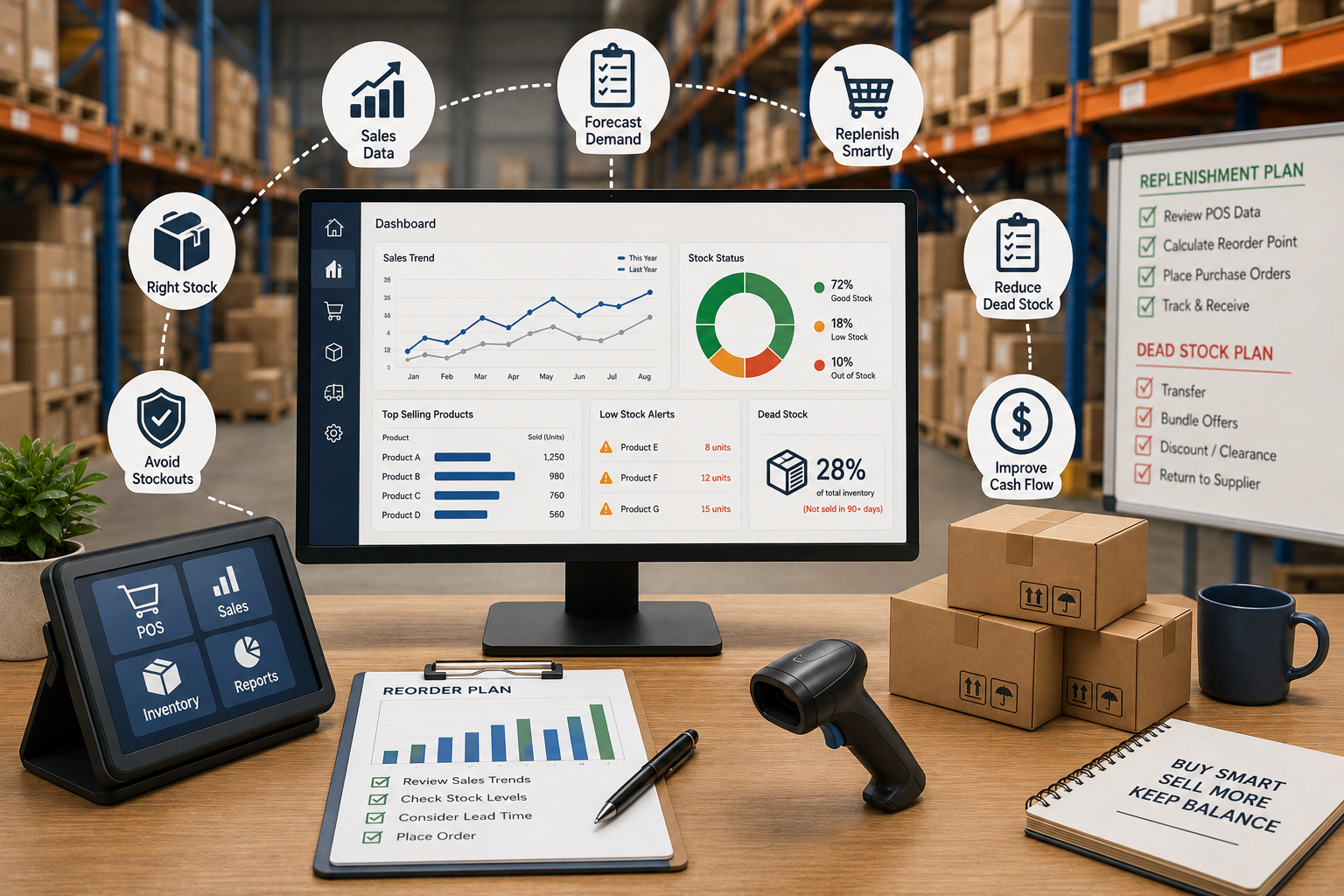
Your Warehouse Is Full, but the Best Sellers Are Missing: How POS Data Fixes Replenishment and Dead Stock
A full warehouse does not mean healthy inventory. Learn how POS sales velocity, lead time, seasonality, reorder points, supplier performance, transfers, and dead-stock analysis help retailers buy the right products at the right time.
Read article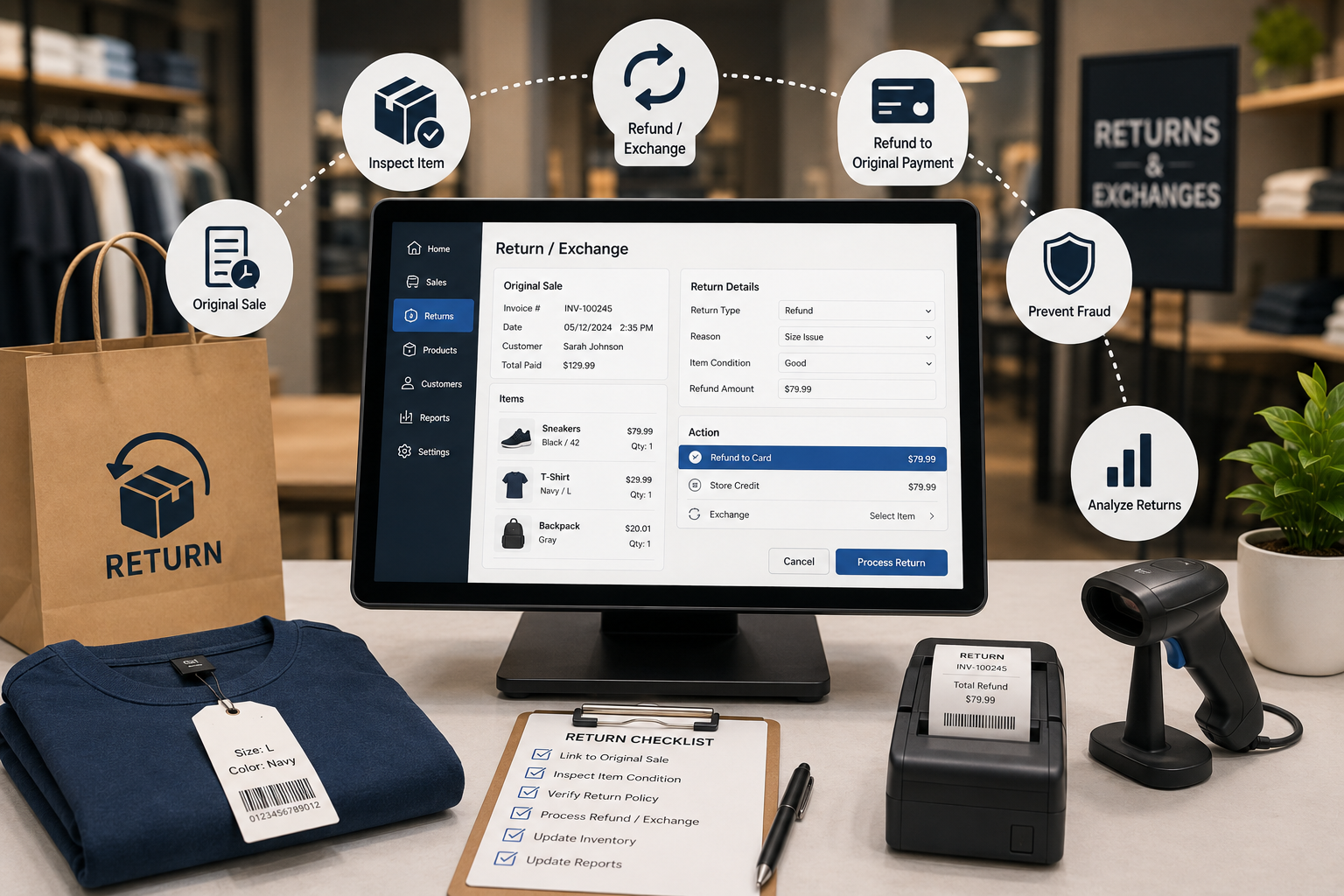
A Return Is Not a Sale in Reverse: How POS Systems Handle Refunds, Exchanges, Restocking, and Return Fraud
Returns affect cash, margin, inventory, tax, customer trust, and fraud exposure. Learn how a modern POS should connect every refund or exchange to the original sale, inspect product condition, control approvals, and keep stock accurate.
Read article
The Website Says “In Stock,” but the Shelf Is Empty: How POS Systems Prevent Omnichannel Inventory Failures
Online orders, store sales, pickup reservations, returns, and transfers compete for the same units. Learn how a connected POS protects inventory accuracy, prevents overselling, and keeps click-and-collect promises realistic.
Read article