
How to Prevent Stockouts and Overstock with a POS Inventory System in 2026
Learn how a modern POS inventory system helps retailers reduce stockouts, avoid overstock, improve inventory accuracy, automate low-stock monitoring, and make smarter purchasing decisions. See how Dashierly connects sales, stock, supply, returns, reports, and branches in one retail platform.

How to Prevent Stockouts and Overstock with a POS Inventory System in 2026
Learn how a modern POS inventory system helps retailers reduce stockouts, avoid overstock, improve inventory accuracy, automate low-stock monitoring, and make smarter purchasing decisions. See how Dashierly connects sales, stock, supply, returns, reports, and branches in one retail platform.
Why Stockouts and Overstock Are Still Major Retail Problems
Stockouts and overstock appear to be opposite problems, but both usually come from the same weakness: the business does not have a reliable, current view of inventory. A stockout happens when a customer wants to buy an item that is unavailable. Overstock happens when too much money is locked inside products that move slowly, expire, become outdated, or require costly storage. In 2026, retailers face faster changes in demand, more sales channels, shorter product cycles, and customers who expect products to be available immediately. This makes accurate inventory control more important than simply ordering large quantities and hoping they sell.
What Is a POS Inventory System?
A POS inventory system connects every completed sale with product quantities, invoices, returns, supply records, users, branches, and reports. When a cashier scans a barcode and completes a transaction, the system records the sale and reflects the stock movement. When new stock arrives, receiving records increase available quantities. When a return is processed, inventory and financial records can be updated together. This creates one operational source of truth instead of several spreadsheets that may show different numbers. The strongest systems are easy enough for cashiers to use while giving owners and managers detailed control behind the counter.
How Real-Time Sales Data Reduces Stockouts
The first step in preventing stockouts is knowing what is selling now, not what sold several weeks ago. POS data shows which products move quickly, which days are busiest, which branches consume stock faster, and which payment or promotion patterns affect demand. Managers can use this information to prioritize replenishment before shelves become empty. Real-time visibility also prevents teams from relying only on memory. A product may look available in a spreadsheet while the last units were already sold at another counter or branch. Connected sales and inventory records make these differences visible earlier.
Use Low-Stock Alerts as an Early Warning System
Low-stock alerts turn inventory management from a reactive task into a planned process. Instead of discovering an empty shelf during a busy period, the system can notify responsible users when a product reaches a defined threshold. The threshold should reflect sales speed, supplier lead time, minimum order quantities, and the importance of the product. A fast-moving essential item may need a higher reorder point than a slow seasonal product. Dashierly includes low-stock visibility and notifications so managers can identify exceptions without checking every product manually.
Avoid Overstock with Better Purchasing Decisions
Overstock is not solved by ordering less of everything. It is solved by ordering the right products, in the right quantities, at the right time. Retailers should compare current stock, recent sales, previous supply quantities, returns, margins, and branch demand before creating a purchase. Slow-moving products should be reviewed separately from bestsellers. Seasonal items require clear exit plans. Perishable goods require tighter receiving and rotation. A POS platform gives buyers evidence for these decisions and reduces the risk of purchasing based on intuition alone.
Track Stock Supply and Receiving Correctly
Inventory accuracy depends on recording what enters the business as carefully as what leaves it. Every delivery should be checked against the products and quantities actually received. Damaged items, missing units, replacements, and branch destinations should be recorded immediately. When receiving is delayed or entered as one approximate total, the system may show stock that does not physically exist. Dashierly supports stock supply and receiving workflows tied to products and branches, helping retailers maintain a clearer history of incoming inventory.
Returns, Damages, and Adjustments Matter
Sales are only one type of stock movement. Customer returns, supplier returns, damaged goods, expired products, internal use, theft, and manual corrections all affect inventory accuracy. If these movements are handled outside the POS system, reports gradually become unreliable. A proper return workflow should preserve the relationship between the original transaction, the refunded amount, and the product quantity. Sensitive adjustments should also be limited by user permissions and recorded in an audit trail so managers can understand who changed what and why.
Manage Inventory by Branch, Not Only Company Total
A company may have enough stock overall and still experience a stockout in one location. Multi-branch retailers need to see quantities, sales speed, supply activity, and user actions by branch. A product that moves slowly in one store may sell quickly in another. Branch-aware reporting helps management decide whether to transfer stock, change purchasing quantities, or adjust local assortments. Dashierly keeps branch activity within one connected environment, allowing owners to review the wider business without losing location-level detail.
Improve Inventory Accuracy with Regular Counts
Software improves control, but physical counts are still necessary. Retailers should schedule cycle counts for important or high-risk products rather than waiting for one large annual count. Fast-moving, expensive, perishable, and frequently returned items should be counted more often. The goal is to compare physical quantities with system records, investigate differences, and correct the process that caused them. Counting without investigating only resets the number temporarily. Good audit history, permissions, supply records, returns, and transaction data make discrepancies easier to explain.
Use Reports to Separate Bestsellers from Dead Stock
Inventory reports should answer practical questions: Which products sell every day? Which products have not moved recently? Which categories generate revenue but consume too much working capital? Which items are frequently returned? Which branches are understocked? Owners should review sales velocity, available quantity, stock value, gross margin, return activity, and low-stock status together. This prevents a common mistake where a product appears successful because it sells often, while poor margin or excessive purchasing makes it unprofitable.
A Practical Replenishment Workflow
A reliable replenishment routine can be simple. First, review low-stock alerts and fast-moving products. Second, confirm current quantities and recent sales by branch. Third, check supplier lead times and minimum order requirements. Fourth, separate urgent essential items from optional slow movers. Fifth, record the supply accurately when it arrives. Finally, review whether the reorder point was correct. Repeating this cycle creates better decisions over time. The POS system should make the routine easier, not replace management judgment.
How Dashierly Supports Smarter Stock Control
Dashierly connects barcode POS checkout, product management, inventory quantities, low-stock alerts, supply and receiving, invoices, sale returns, suppliers, customers, expenses, reports, branches, roles, notifications, and audit history. It runs on Windows, macOS, and Android, including camera-based barcode scanning on supported mobile devices. This connected structure helps teams see how sales affect stock and how supply, returns, and branch activity change availability. Dashierly does not require retailers to manage the counter in one tool and the back office in unrelated spreadsheets.
Common Inventory Mistakes to Avoid
Common mistakes include using one shared administrator account, delaying receiving entries, changing stock without a reason, ignoring returns, setting the same reorder level for every product, purchasing only from memory, and reviewing reports only after a problem occurs. Another mistake is focusing on the total number of products instead of the quality of inventory. A smaller quantity of fast, profitable products may be healthier than a warehouse full of slow stock. Clear responsibilities and consistent daily records are more valuable than occasional emergency corrections.
Frequently Asked Questions
Can a POS system automatically prevent every stockout? No system can remove all uncertainty, but accurate sales data, low-stock alerts, branch visibility, and disciplined receiving can reduce avoidable stockouts significantly. Is overstock always bad? Safety stock can be necessary, but excess stock becomes harmful when it ties up cash without supporting expected demand. Can a phone be used for inventory work? Dashierly supports Android phones and tablets, including camera scanning for compatible workflows. Is Dashierly suitable for supermarkets and small shops? Yes, it is designed for supermarkets, mini markets, grocery stores, independent shops, and growing multi-branch retailers.
Final Checklist for Retailers
Keep product and barcode data clean. Record every delivery when it is received. Process returns through the system. Define different low-stock thresholds based on demand and supplier lead time. Review fast and slow movers separately. Compare branches instead of relying only on company totals. Restrict sensitive adjustments by role. Investigate physical count differences. Review expenses and margins alongside sales. Use notifications and reports consistently. These habits, supported by a connected POS inventory platform, help reduce lost sales, protect working capital, and create a more predictable retail operation.
Keep reading
The Drawer Is Short at Closing—What Happened? How POS Shift Reconciliation Finds Cash Errors Before They Repeat
Cash shortages and overages are rarely solved by simply blaming the cashier. A reliable POS should connect opening floats, cash sales, refunds, payouts, drops, tips, drawer access, shift handovers, and closing counts. Learn how to reconcile every shift and turn differences into process improvements.
Read article
The Gift Card Was Sold Months Ago—Why Is It Still Money You Owe? How POS Systems Manage Stored Value
Gift cards and store credit bring cash in early, but they also create balances, redemption obligations, fraud risks, expiry questions, split payments, refunds, and accounting work. Learn how a modern POS should manage stored value from issue to final redemption.
Read article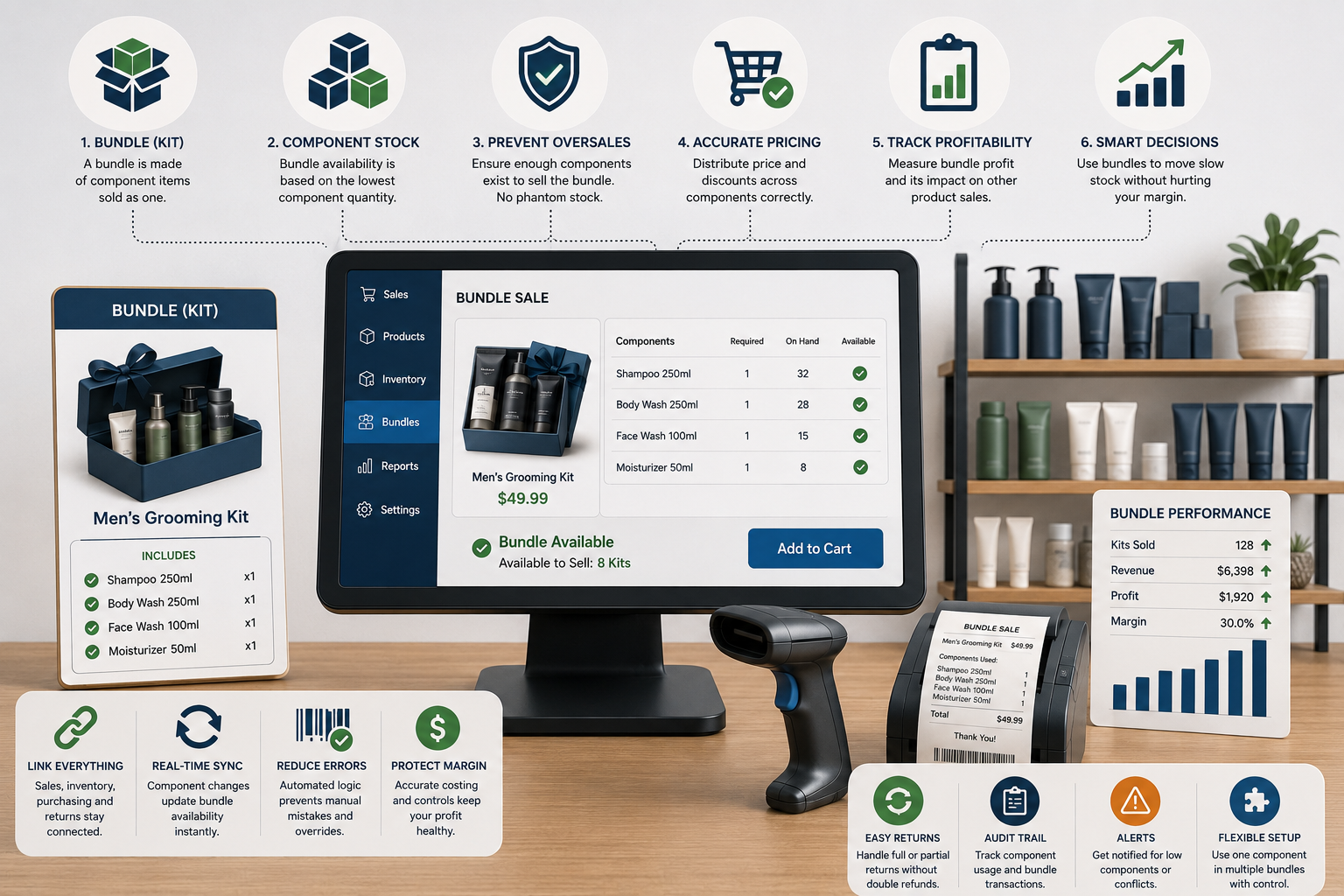
The Bundle Sold Out, but Every Item Is Still on the Shelf: How POS Systems Should Manage Kits, Multipacks, and Component Stock
Bundles can raise basket value, simplify buying, and move slow stock—but poor setup creates phantom availability, overselling, wrong costs, and confusing returns. Learn how POS systems should manage components, pricing, inventory, purchasing, and profitability.
Read article