
Two Identical Products, Two Different Histories: How POS Serial Number Tracking Protects Warranties, Returns, and Repairs
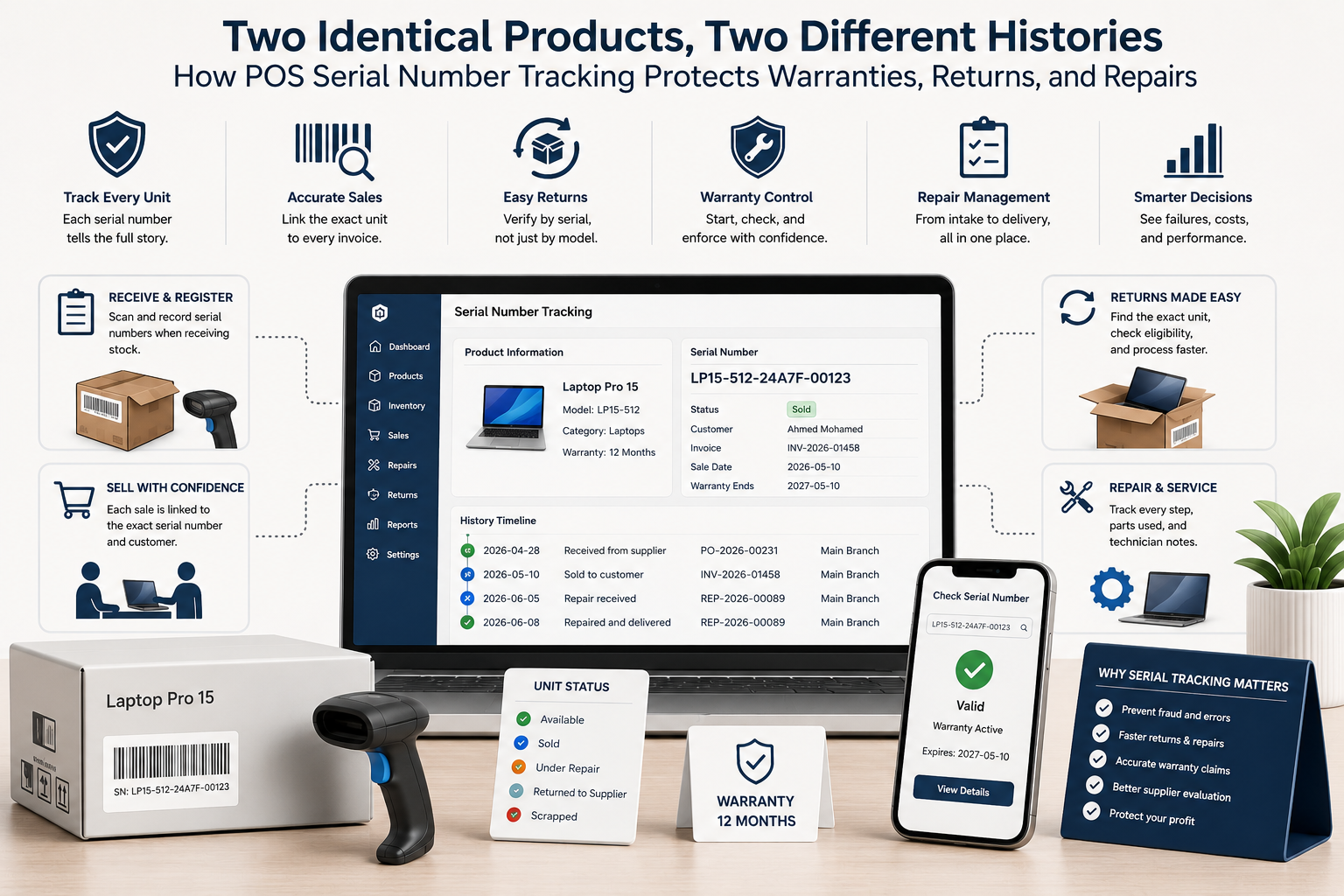
Quantity tracking tells you how many units exist. Serial tracking tells you exactly which unit was received, sold, returned, repaired, replaced, or still covered by warranty. Learn how a modern POS should manage serialized inventory from supplier receipt to after-sales service.
Two Identical Products, Two Different Histories: How POS Serial Number Tracking Protects Warranties, Returns, and Repairs
Quantity tracking tells you how many units exist. Serial tracking tells you exactly which unit was received, sold, returned, repaired, replaced, or still covered by warranty. Learn how a modern POS should manage serialized inventory from supplier receipt to after-sales service.
Quantity Tracking Stops at the Product; Serial Tracking Follows the Unit
Standard inventory can tell a retailer that six laptops are available. It cannot tell which laptop was received from which supplier batch, which customer bought a specific device, whether that unit was already returned, or whether its warranty has expired.
Serialized inventory adds a unique identity to each physical unit. This is essential for electronics, phones, appliances, tools, cameras, medical devices, premium accessories, and any product whose service history matters.
For example, Standard inventory can tell a retailer that six laptops are available. It cannot tell which laptop was received from which supplier batch, which customer bought a specific device, whether that unit was already returned, or whether its warranty has expired. If serials are added later from memory or handwritten notes, duplicates, missing units, and wrong product links become likely. The POS should reject duplicate active serials and clearly show serials that are already sold, returned, quarantined, or transferred. The workflow should be tested with a duplicate serial, a unit transferred between branches, a partial warranty claim, a replacement device, and a return of the wrong physical unit.
Serial Numbers Must Enter the System at Receiving
The best moment to capture a serial number is during receiving. The employee should scan or enter each identifier against the correct purchase order, product, supplier, branch, cost, and receipt date.
If serials are added later from memory or handwritten notes, duplicates, missing units, and wrong product links become likely. The POS should reject duplicate active serials and clearly show serials that are already sold, returned, quarantined, or transferred.
For example, If serials are added later from memory or handwritten notes, duplicates, missing units, and wrong product links become likely. The POS should reject duplicate active serials and clearly show serials that are already sold, returned, quarantined, or transferred. A customer may return the correct model but a different physical unit. Without serial verification, a retailer can unknowingly accept an older, damaged, stolen, or non-company product while refunding the original sale. The workflow should be tested with a duplicate serial, a unit transferred between branches, a partial warranty claim, a replacement device, and a return of the wrong physical unit.
The Sale Must Bind the Exact Unit to the Customer
At checkout, the cashier should scan or select the exact serial number being sold. The invoice then becomes evidence linking product, unit, customer, date, branch, price, employee, and warranty start.
The system should prevent a sold serial from being sold again unless a valid return or correction restored it. For high-risk products, the receipt should display the serial or a masked version according to policy.
For example, Serialized inventory adds a unique identity to each physical unit. This is essential for electronics, phones, appliances, tools, cameras, medical devices, premium accessories, and any product whose service history matters. A repair ticket should preserve chain of custody: customer handover, intake condition, accessories received, technician assignment, diagnosis, parts used, status changes, quality check, collection, and final outcome. The workflow should be tested with a duplicate serial, a unit transferred between branches, a partial warranty claim, a replacement device, and a return of the wrong physical unit.
Returns Need Identity Checks, Not Just a Matching Product Name
A customer may return the correct model but a different physical unit. Without serial verification, a retailer can unknowingly accept an older, damaged, stolen, or non-company product while refunding the original sale.
The POS should compare the returned serial with the original invoice, verify status and warranty, record condition, and decide whether the unit returns to sellable stock, quarantine, repair, supplier return, or write-off.
For example, At checkout, the cashier should scan or select the exact serial number being sold. The invoice then becomes evidence linking product, unit, customer, date, branch, price, employee, and warranty start. Dashierly or any POS should turn a serial number into a complete product passport. The goal is not more typing. It is faster proof, safer returns, clearer warranty decisions, accountable repairs, and reliable unit-level inventory. The workflow should be tested with a duplicate serial, a unit transferred between branches, a partial warranty claim, a replacement device, and a return of the wrong physical unit.
Warranty and Repair Workflows Need a Complete Chain of Custody
A repair ticket should preserve chain of custody: customer handover, intake condition, accessories received, technician assignment, diagnosis, parts used, status changes, quality check, collection, and final outcome.
Warranty decisions need purchase date, serial identity, warranty period, previous repairs, damage notes, supplier terms, and whether the issue is covered. Replacements should link the old and new serials rather than erasing the original history.
For example, The best moment to capture a serial number is during receiving. The employee should scan or enter each identifier against the correct purchase order, product, supplier, branch, cost, and receipt date. Serialized inventory adds a unique identity to each physical unit. This is essential for electronics, phones, appliances, tools, cameras, medical devices, premium accessories, and any product whose service history matters. The workflow should be tested with a duplicate serial, a unit transferred between branches, a partial warranty claim, a replacement device, and a return of the wrong physical unit.
Use Serialized History to Improve Purchasing and Service
Serialized data can reveal suppliers with high failure rates, models with repeated defects, branches with unusual return patterns, technicians with repeat repairs, and products whose warranty cost is greater than their margin.
Dashierly or any POS should turn a serial number into a complete product passport. The goal is not more typing. It is faster proof, safer returns, clearer warranty decisions, accountable repairs, and reliable unit-level inventory.
For example, The system should prevent a sold serial from being sold again unless a valid return or correction restored it. For high-risk products, the receipt should display the serial or a masked version according to policy. At checkout, the cashier should scan or select the exact serial number being sold. The invoice then becomes evidence linking product, unit, customer, date, branch, price, employee, and warranty start. The workflow should be tested with a duplicate serial, a unit transferred between branches, a partial warranty claim, a replacement device, and a return of the wrong physical unit.
Keep reading
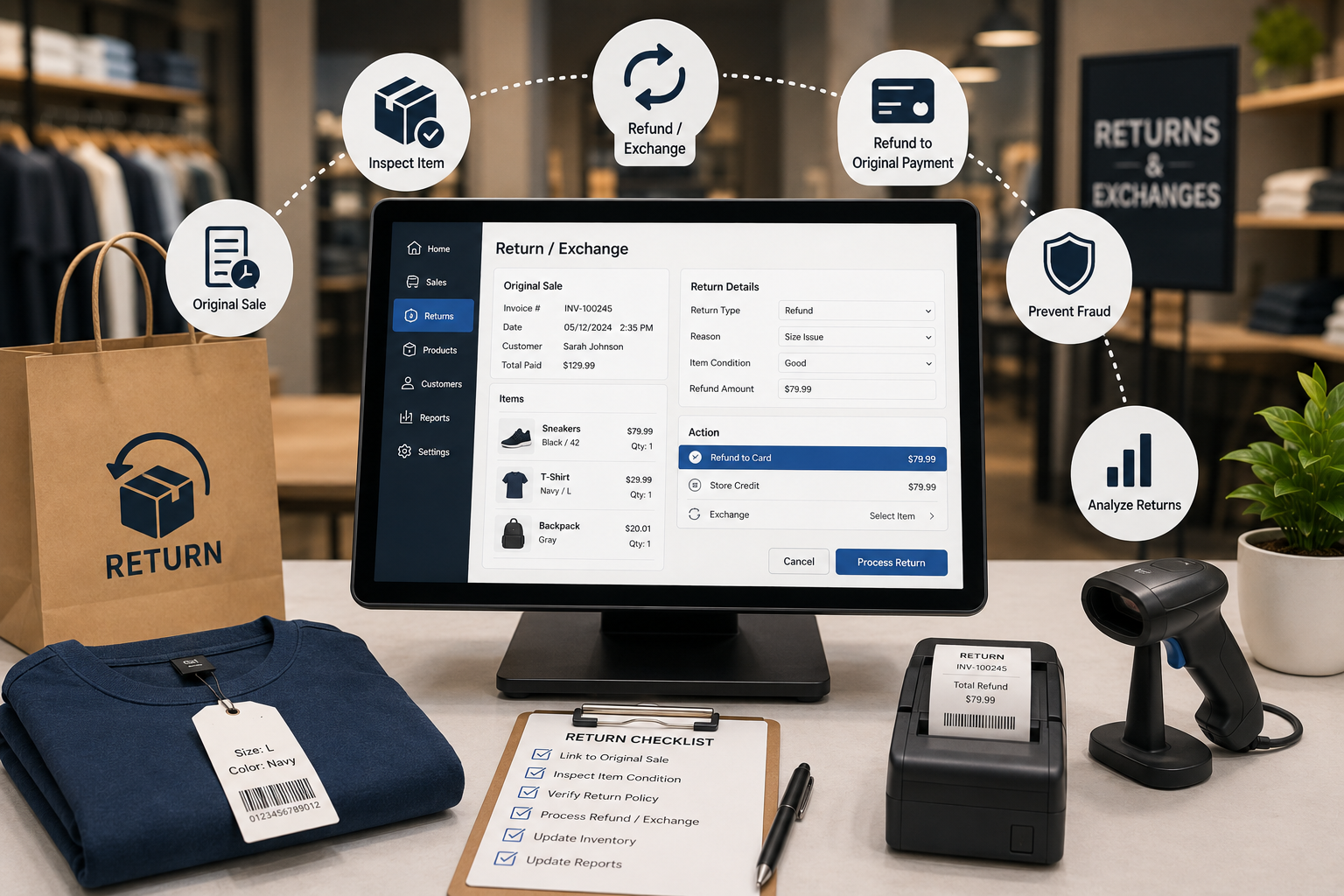
A Return Is Not a Sale in Reverse: How POS Systems Handle Refunds, Exchanges, Restocking, and Return Fraud
Returns affect cash, margin, inventory, tax, customer trust, and fraud exposure. Learn how a modern POS should connect every refund or exchange to the original sale, inspect product condition, control approvals, and keep stock accurate.
Read article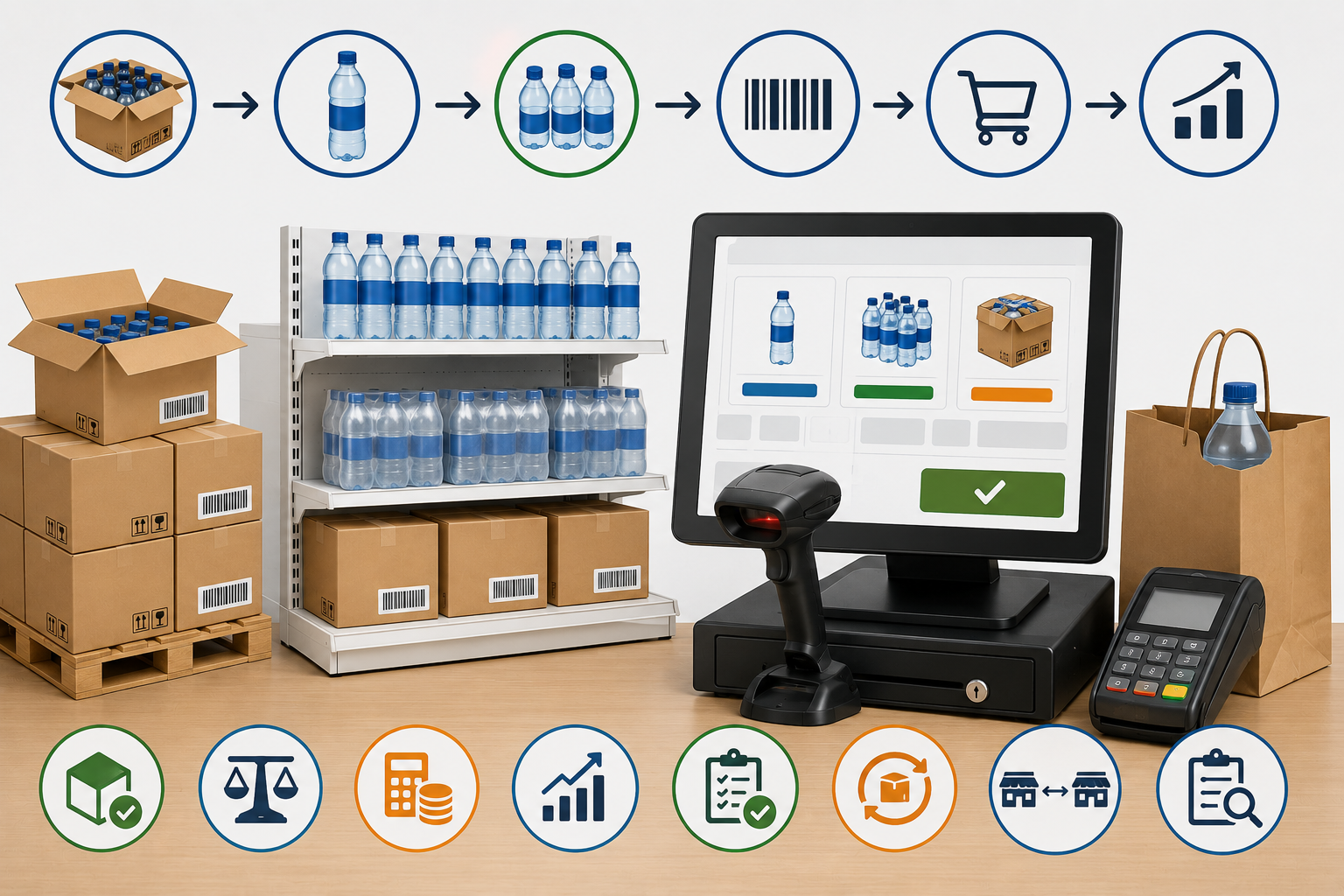
You Bought a Case of 24 but Sold One Bottle: How POS Units of Measure Prevent Inventory and Pricing Errors
Retailers often buy products by case, receive them by pack, and sell them individually. Learn how POS unit-of-measure rules, barcode mapping, cost conversion, stock counts, returns, and purchasing controls prevent quantity and margin errors.
Read article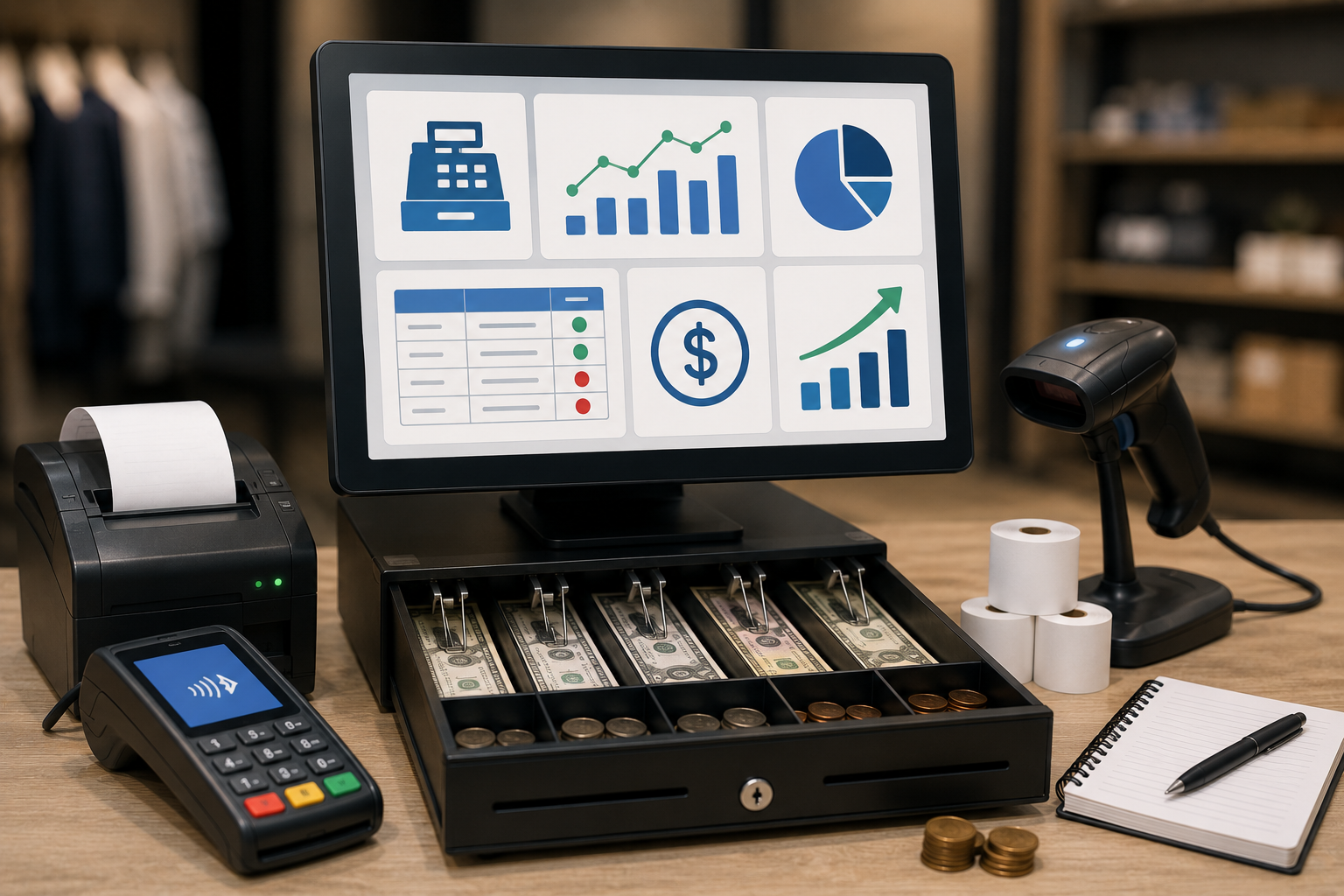
The Register Is Short—But Where Did the Money Go? A Practical POS Guide to Cash Drawers and Payment Reconciliation
A cash difference at closing does not automatically mean theft. Learn how POS register sessions, floats, paid-in and paid-out movements, refunds, tips, card settlements, and clear accountability help retailers reconcile every payment method.
Read article