
Latest POS Technologies in 2026: How to Choose the Right System for Business Growth
Explore the latest POS technologies in 2026—from AI and mobile checkout to unified commerce, real-time inventory, contactless payments, security, and offline resilience—and learn how to choose the right system for sustainable growth.
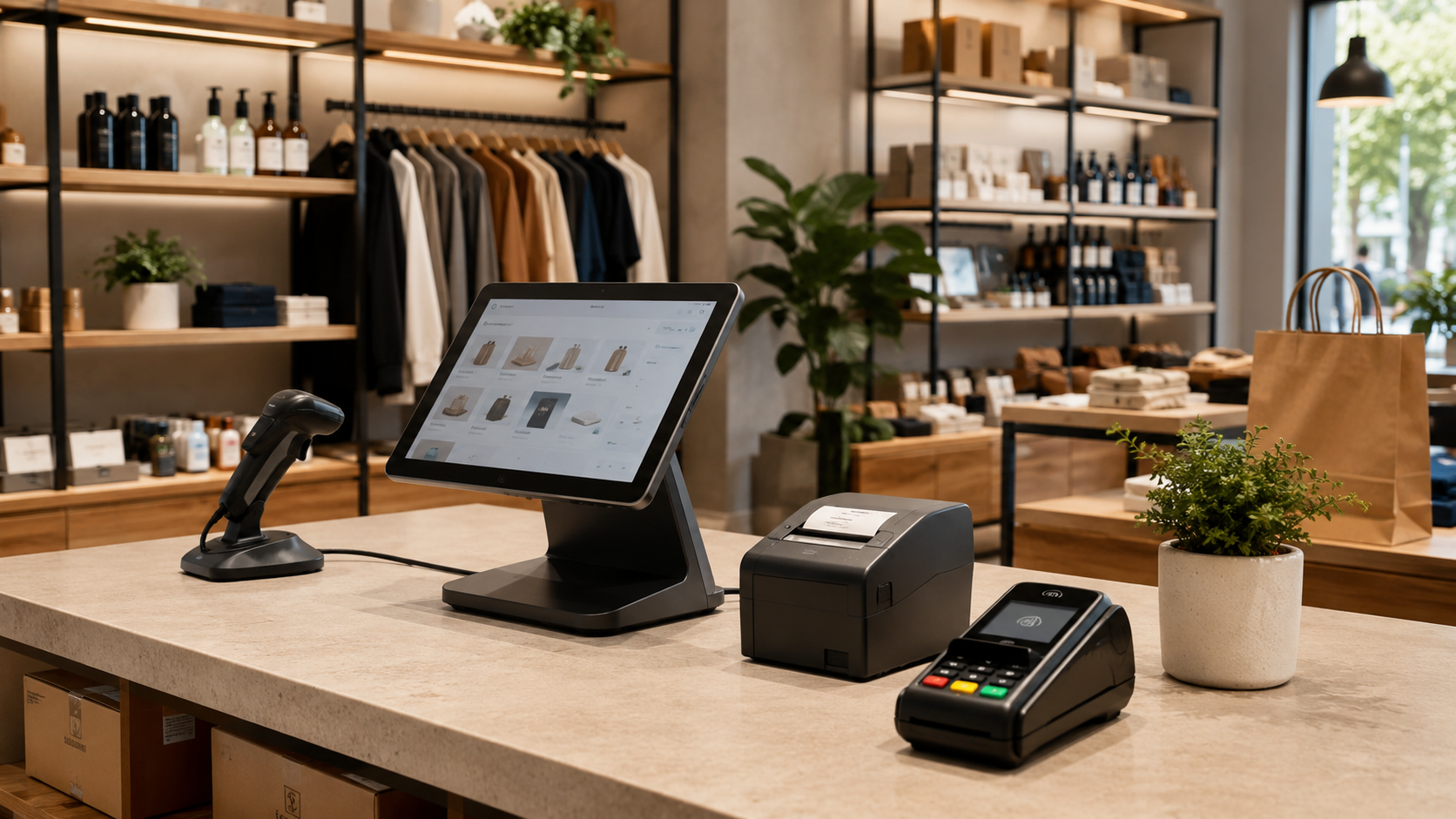
Latest POS Technologies in 2026: How to Choose the Right System for Business Growth
Explore the latest POS technologies in 2026—from AI and mobile checkout to unified commerce, real-time inventory, contactless payments, security, and offline resilience—and learn how to choose the right system for sustainable growth.
Your POS Is No Longer Just the Place Where Money Changes Hands
Picture a busy Thursday evening. Two customers are waiting to pay, a delivery has just arrived, one product shows a different price on the shelf, and the owner is checking sales from home. In an older setup, these are four separate problems handled by four separate tools. A modern POS system is expected to connect them.
That is the real shift happening in 2026. The point of sale is moving from a cashier screen to an operating layer for the entire store. It can connect checkout, inventory, purchasing, customer records, payments, returns, staff permissions, branches, reporting, and online orders. The best systems do not add technology for show. They remove delays, reduce repeated data entry, and give the business one reliable version of what happened.
Does every shop need every new feature? No. A small grocery store does not need the same architecture as a ten-branch fashion retailer. The smart decision is to understand which technologies solve a real bottleneck in your operation—and which ones will become useful as the business grows.
The Technologies Changing POS Systems Right Now
Artificial intelligence is the headline, but the practical use matters more than the label. In a useful POS environment, AI can highlight unusual returns, suggest a reorder before a bestseller runs out, summarize yesterday’s exceptions, identify slow-moving products, or help a manager notice that one branch is discounting more heavily than the others. The strongest use cases are quiet. They save time in the background instead of forcing the cashier to interact with a chatbot during every sale.
Then there is mobile POS. A phone or tablet can become an additional checkout lane during rush hour, a product lookup tool on the shop floor, or a receiving device at the stockroom door. Imagine a clothing store during a weekend promotion: rather than asking customers to join one long queue, an employee can scan and prepare purchases while walking through the store. The counter stops being a fixed location and becomes a service that can move.
Unified commerce is less visible, yet it may be the most important development. It means that products, prices, stock, orders, returns, customers, and promotions are shared across the store, website, mobile devices, and branches. When those systems are disconnected, the customer sees the problem immediately: an item appears available online but is not on the shelf, a return cannot be found in another branch, or a promotion works on the website but not at the counter.
Real-time inventory is becoming the foundation for everything else. It supports better replenishment, accurate online availability, branch transfers, faster customer answers, and smarter forecasting. RFID, barcode automation, connected receiving workflows, and item-level tracking can improve accuracy, but the first requirement is simpler: every sale, return, supply receipt, and adjustment must update the same inventory record.
Payments are changing too. Contactless cards, mobile wallets, QR payments, softPOS, self-checkout, and scan-and-pay give customers more ways to finish a purchase. Choice is useful, but the system must remain simple for staff. A payment flow with ten icons and unclear failure messages is not modern; it is merely complicated.
Security and resilience are now part of the product, not technical extras. More connected devices mean more accounts, more customer data, and more points of failure. Role-based access, audit logs, encrypted sessions, secure updates, backup procedures, and a clear offline or degraded mode can matter more on a difficult day than any visual dashboard.
How Do You Know Which Features Your Business Actually Needs?
Start with the places where your team loses time or confidence. Do cashiers search for products too often? Does the owner wait until the end of the week to understand sales? Do employees update stock in a spreadsheet after closing? Can one branch see another branch’s availability? How long does it take to find an old invoice or process a return?
These questions reveal more than a feature checklist.
For a small shop with one counter, speed, product accuracy, simple stock control, affordable pricing, and reliable support may be enough. A supermarket needs fast barcode checkout, low-stock alerts, receiving, returns, multiple cashiers, strong permissions, and reports that can handle volume. A multi-branch retailer should prioritize centralized data, branch-level stock, transfer workflows, role management, unified customer history, and dependable synchronization.
Consider growth, but do not buy complexity simply because it sounds advanced. A system should allow you to add users, products, devices, branches, and integrations without forcing the current team to navigate enterprise software designed for a much larger organization.
Test the Workflow, Not the Sales Presentation
A polished demo can make almost any POS look effortless. The real test begins when you use your own products and your own messy situations.
Import a sample catalogue. Scan a damaged barcode. Search for an item by a partial name. Sell the same product from two devices. Process a return. Apply a discount that requires approval. Receive stock into a branch. Find an invoice using only the customer name or approximate date. Disconnect the internet if continuity matters.
Watch the employees, not only the screen. Where do they pause? Which labels confuse them? Can a new cashier complete a sale after a short explanation?
Also test reporting with a specific business question. For example: which five products generated strong sales but are likely to run out within three days? A system that produces attractive charts but cannot answer an operational question is decorating data.
The Questions That Protect You from an Expensive Mistake
Before signing, ask how pricing changes when you add a user, device, branch, product volume, integration, or advanced report. Ask whether payment processing is optional, which hardware is supported, how your data can be exported, and what happens if you cancel.
Ask who owns the customer and transaction data. How frequently is it backed up? Are sensitive actions recorded in an audit trail? What happens during an internet outage or a payment-terminal failure? How quickly can support respond during your busiest hours?
Integration deserves a direct conversation. A provider may claim to have an API, but that does not mean the connection you need already exists or is inexpensive to maintain.
Finally, ask for references from businesses with a similar operating model—not simply the same industry label.
Choose for the Next Stage, Then Keep Measuring
A good POS decision is not permanent. After launch, measure checkout time, payment failures, stock differences, low-stock frequency, return handling, report preparation time, support requests, and staff adoption. These numbers show whether the system is actually helping.
Dashierly can be considered within this practical framework. Its value depends on whether its connected tools for sales, inventory, supply, returns, suppliers, customers, expenses, accounting, HR, reports, branches, permissions, notifications, and audit history fit the way your store works. The same test should be applied to every platform.
The final advice is simple: do not choose the most modern-looking POS. Choose the system that removes today’s friction, gives you trustworthy data, and can expand without making daily work harder.
Keep reading
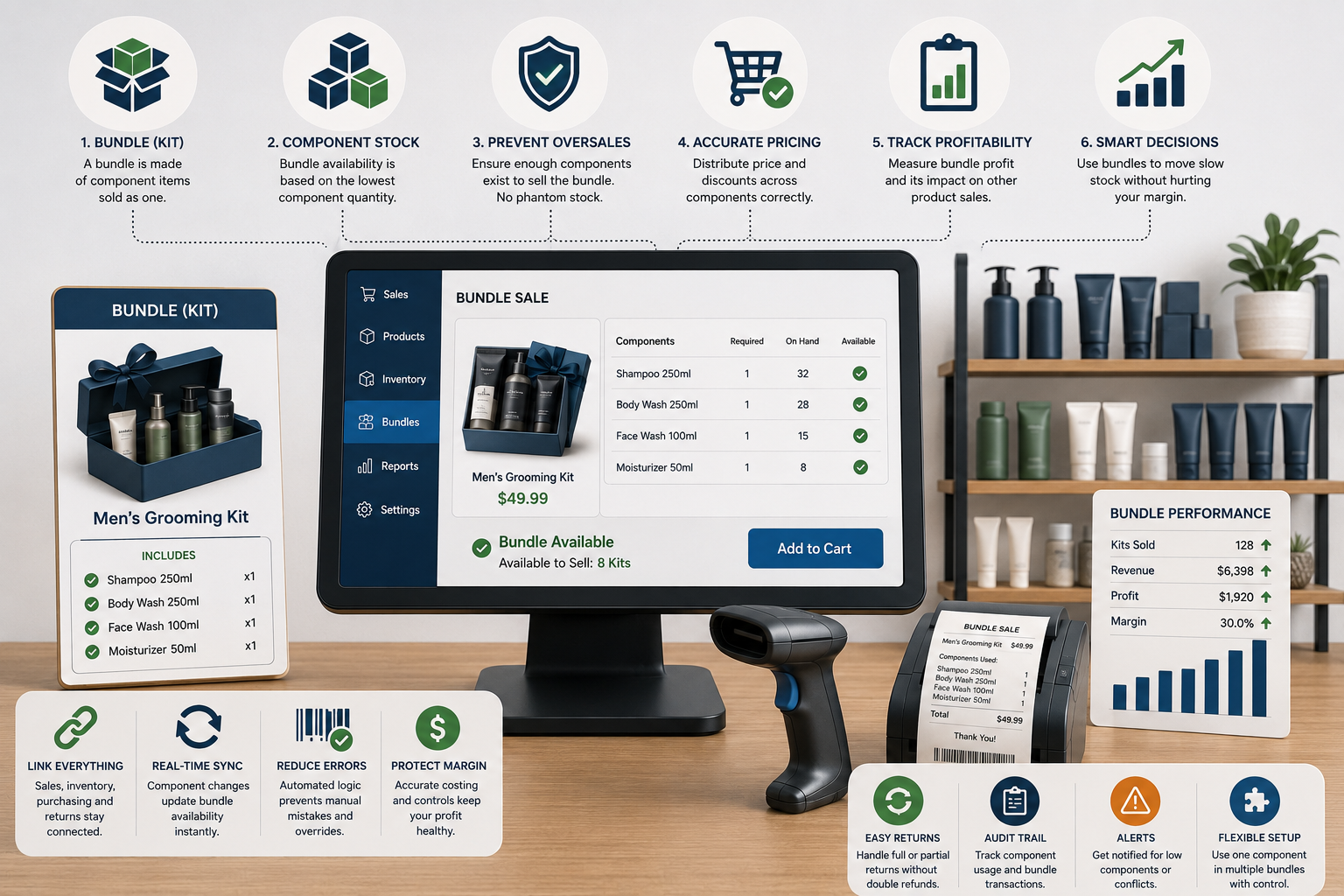
The Bundle Sold Out, but Every Item Is Still on the Shelf: How POS Systems Should Manage Kits, Multipacks, and Component Stock
Bundles can raise basket value, simplify buying, and move slow stock—but poor setup creates phantom availability, overselling, wrong costs, and confusing returns. Learn how POS systems should manage components, pricing, inventory, purchasing, and profitability.
Read article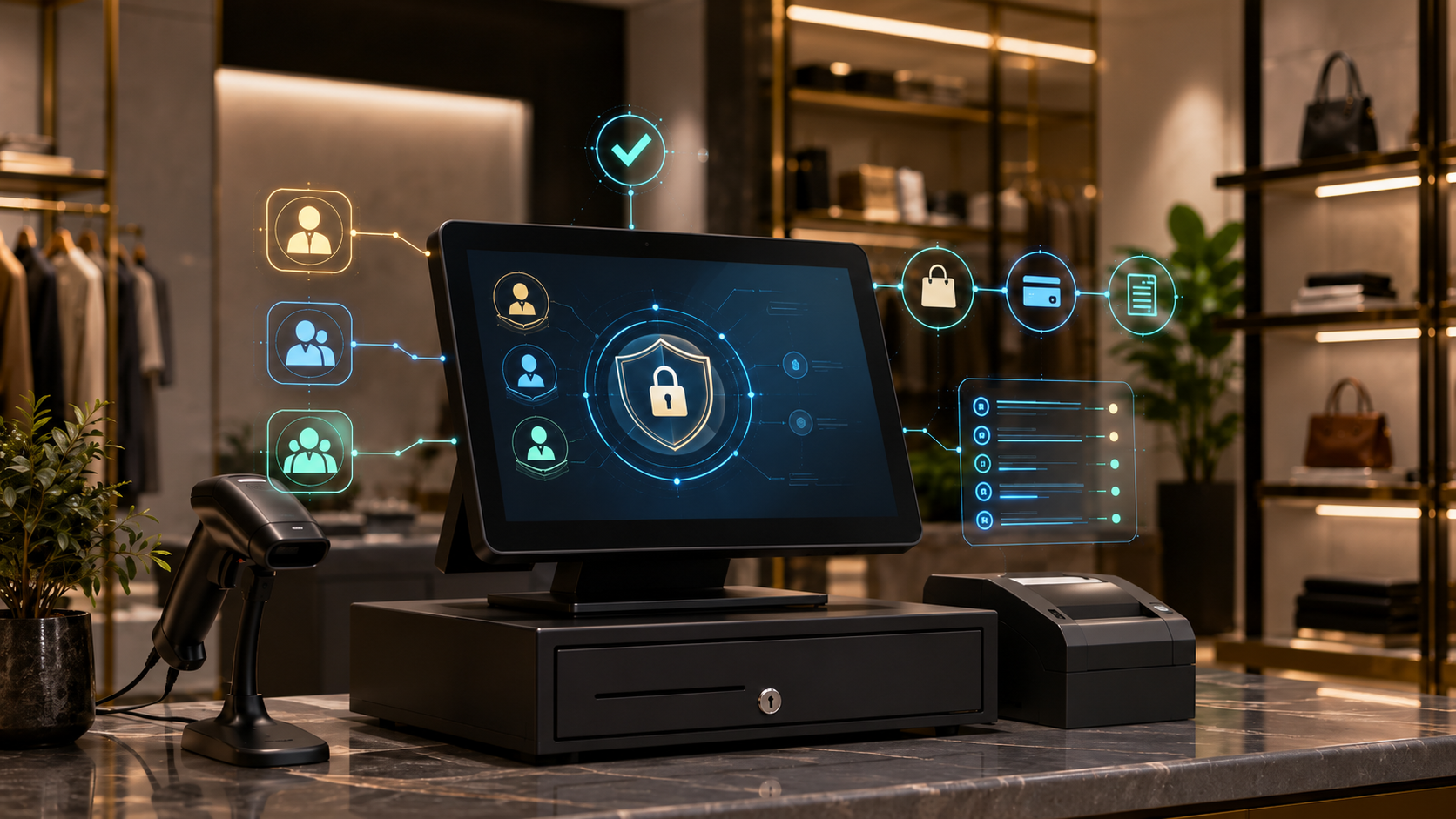
Who Changed the Price? How POS Permissions and Audit Trails Protect Retail Operations
Retail losses and operational mistakes often begin with shared logins, excessive permissions, and actions that cannot be traced. Learn how role-based access, personal accounts, approvals, and POS audit logs create accountability without slowing the store.
Read article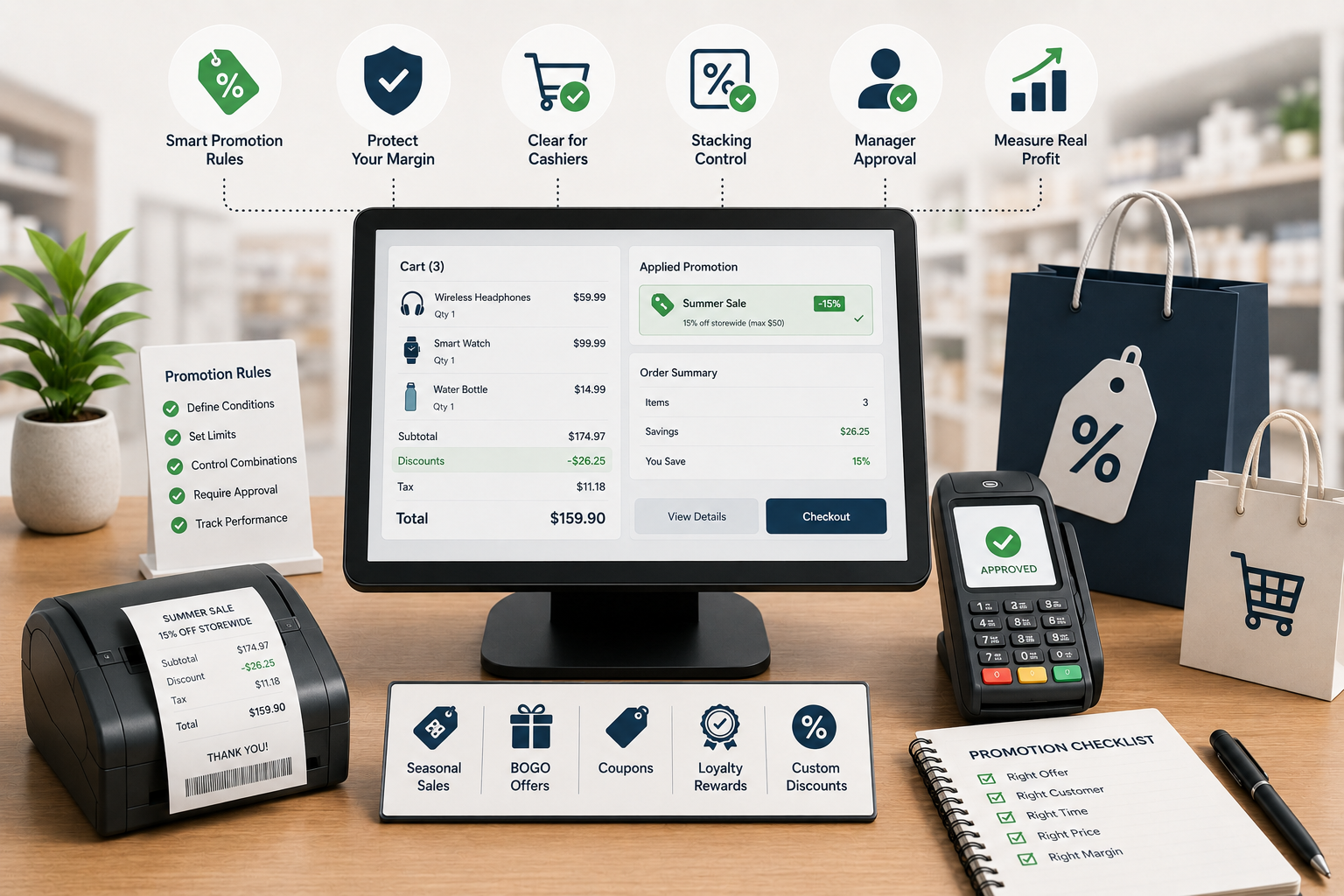
The Discount Worked—But Did the Store Make Money? How POS Promotion Rules Protect Retail Margin
Promotions can increase traffic while quietly damaging margin through discount stacking, wrong eligibility, cashier overrides, returns, and weak reporting. Learn how a modern POS should control offers from setup to post-campaign analysis.
Read article