
The $0 POS Myth: What a Point-of-Sale System Really Costs in 2026
A detailed guide to the real cost of POS software in 2026, including subscriptions, payment fees, hardware, add-ons, training, migration, support, and the operational cost of choosing the wrong system.
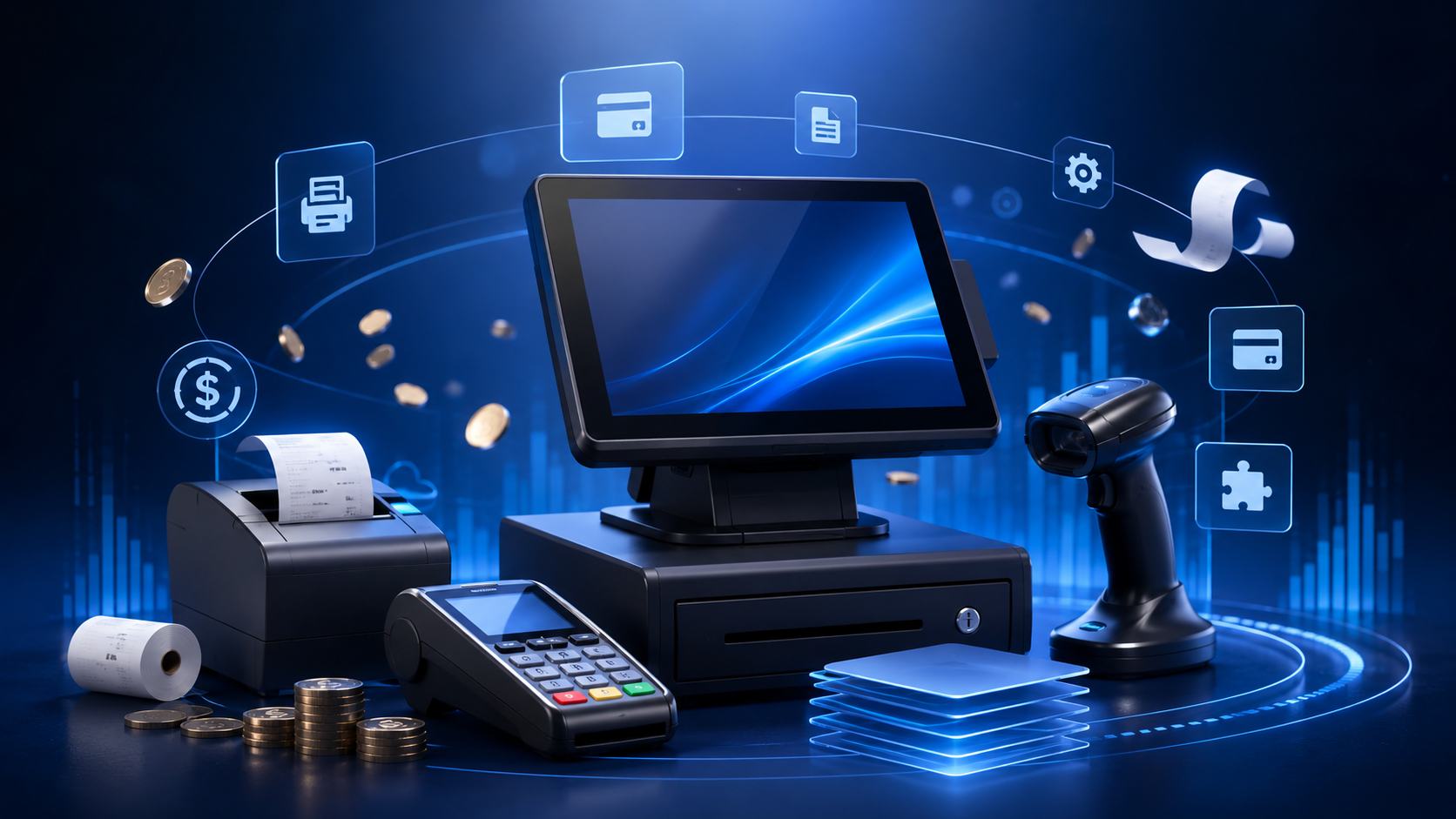
The $0 POS Myth: What a Point-of-Sale System Really Costs in 2026
A detailed guide to the real cost of POS software in 2026, including subscriptions, payment fees, hardware, add-ons, training, migration, support, and the operational cost of choosing the wrong system.
The Price on the Website Is Not the Cost of the System
When a retailer asks how much a POS system costs, the first answer usually looks simple: a monthly subscription, a free plan, or a low introductory price. That number is useful, but it is not the total cost. A POS sits at the intersection of sales, payments, inventory, staff access, receipts, returns, reporting, devices, support, and sometimes accounting. Every one of those areas can create a cost, even when the software itself appears free. A store may pay nothing for the basic application and still spend more through higher payment-processing rates, mandatory hardware, limited reports, paid add-ons, extra users, branch charges, data export restrictions, or support packages. The correct comparison is not which subscription is cheaper, but what the complete setup will cost over one, three, and five years.
Pricing structures also differ. Some providers charge per register, others per location, user, device, transaction, or feature. A plan that is genuinely inexpensive for one counter may multiply quickly in a supermarket or multi-branch operation. Businesses should calculate users, devices, locations, products, monthly transactions, and required modules before choosing. They should review annual commitments, renewal pricing, cancellation conditions, and whether the provider can change payment rates or feature access after an introductory period.
The phrase free POS usually means that the provider earns revenue elsewhere, often through payment processing. The software may be included because the merchant agrees to use a specific terminal or processor. That can be convenient, but the calculation must include percentage fees, fixed fees, international cards, refunds, chargebacks, settlement timing, and monthly minimums. A small rate difference may cost more than the entire subscription once sales volume grows.
Hardware, Setup, and the Cost of Becoming Operational
A POS is not operational merely because an account exists. The business may need tablets, computers, barcode scanners, receipt printers, cash drawers, payment terminals, label printers, customer displays, networking equipment, stands, batteries, cables, and spare devices. Some stores can reuse existing hardware; others require commercial equipment that survives long shifts, dust, heat, repeated scanning, and accidental drops. Hardware cost should include purchase, expected lifetime, maintenance, replacement, and the revenue risk created by a single failed device.
Configuration is another underestimated cost. Products must be entered or imported, barcodes checked, tax rules configured, branches created, users assigned, roles restricted, receipt details prepared, opening stock verified, payments tested, and reports reviewed. Even without a setup fee, staff hours are part of the project. Data migration can become technical when the old system contains duplicate names, missing barcodes, negative stock, inconsistent categories, or files that cannot be imported directly.
Training is not optional because the interface looks simple. Cashiers need the normal sale flow and also returns, discounts, voids, payment failures, receipt reprints, customer accounts, and price corrections. Managers need permissions, adjustments, reports, branch controls, audit logs, and reconciliation. Weak training creates a permanent operational tax through slow checkout, repeated errors, support calls, inaccurate stock, and dependence on one experienced employee.
The Expensive Features Are Often the Ones You Discover Later
Many retailers buy a POS for checkout and later discover that the real value lies in inventory, purchasing, suppliers, customer history, returns, expenses, accounting exports, permissions, audit trails, branch management, and integrations. These functions are frequently reserved for higher plans or sold as modules. The business should list what it needs today, what it will need within twelve months, and what becomes necessary after opening another location.
Integrations deserve separate calculation. Connecting the POS to e-commerce, accounting, delivery, loyalty, messaging, warehouse, or analytics tools can involve connector subscriptions, API charges, development, middleware, maintenance, and manual exports. A large integration catalogue is not automatically economical. The required integration must be included, maintained, and reliable. A cheap connector that fails during updates may create more labour and stock errors than it saves.
Support pricing is equally important. Some providers include email or chat but charge for phone assistance, priority response, onboarding, remote configuration, or after-hours help. Retailers should ask what happens on a busy evening when checkout stops. Backup, security updates, compliance, data retention, export access, and cancellation procedures also belong in the calculation. A platform is not affordable if the business must pay heavily to retrieve its own records.
The Cost of the Wrong POS Is Larger Than the Invoice
The largest POS cost is often operational rather than contractual. Slow checkout loses customers. Inaccurate inventory creates stockouts and overbuying. Weak permissions allow fraud or unauthorized discounts. Poor reports delay decisions. Unreliable synchronization creates missing or duplicate transactions. Every workaround consumes staff time, yet staff time is rarely included in software comparisons.
The wrong system also creates switching cost. After products, customers, invoices, users, settings, and processes are built around a platform, moving requires data export and cleanup, new hardware, retraining, payment changes, rebuilt integrations, and sometimes two systems running together. A platform chosen only because it is free today may become expensive when it cannot support tomorrow’s products, employees, branches, or reporting.
Downtime is measurable. Estimate average revenue per peak hour, then add employee wages, abandoned baskets, customer frustration, and reconciliation work. Reliability, offline capability, backups, and response time should be valued against that number. The same applies to security: role controls, audit history, encryption, and updates should be compared with the cost of fraud, lost data, compliance problems, and damaged trust.
Total ownership cost therefore includes money, time, risk, and flexibility, but also benefits: faster checkout, fewer errors, accurate stock, less manual reporting, and stronger decisions. The cheapest POS is not the system with the smallest invoice; it is the system that delivers the required operation at the lowest sustainable total cost.
A Better Way to Compare POS Pricing in 2026
Retailers should compare three realistic scenarios rather than one advertised price. The first is launch: devices, users, products, and branches needed today. The second is normal operation after twelve months, including expected transaction volume, employees, reports, inventory, and support. The third is growth: another location, more registers, integrations, and advanced controls. Every provider should be priced using the same assumptions.
Separate fixed costs from variable costs. Fixed costs include subscriptions, hardware, support, and some compliance expenses. Variable costs include payment processing, chargebacks, users, transaction volume, messaging, and integrations. Model a slow month, an average month, and a strong month. Payment fees that look small at low sales can dominate at higher revenue, while a larger subscription may become reasonable when it includes better rates, branches, migration, support, and modules.
Test the system with real work: import a sample catalogue, scan real barcodes, complete several payments, process a return, apply authorized discounts, create roles, receive stock, find an old invoice, open reports, disconnect the internet if relevant, and export data. Ask the provider to explain every charge in writing.
Dashierly can be assessed within this total-cost framework rather than by its starting price alone. Its value depends on how much retail work it replaces or simplifies across sales, stock, invoices, returns, suppliers, customers, expenses, accounting, HR, reports, branches, permissions, notifications, and audit history. The same standard should be applied to every provider.
Keep reading
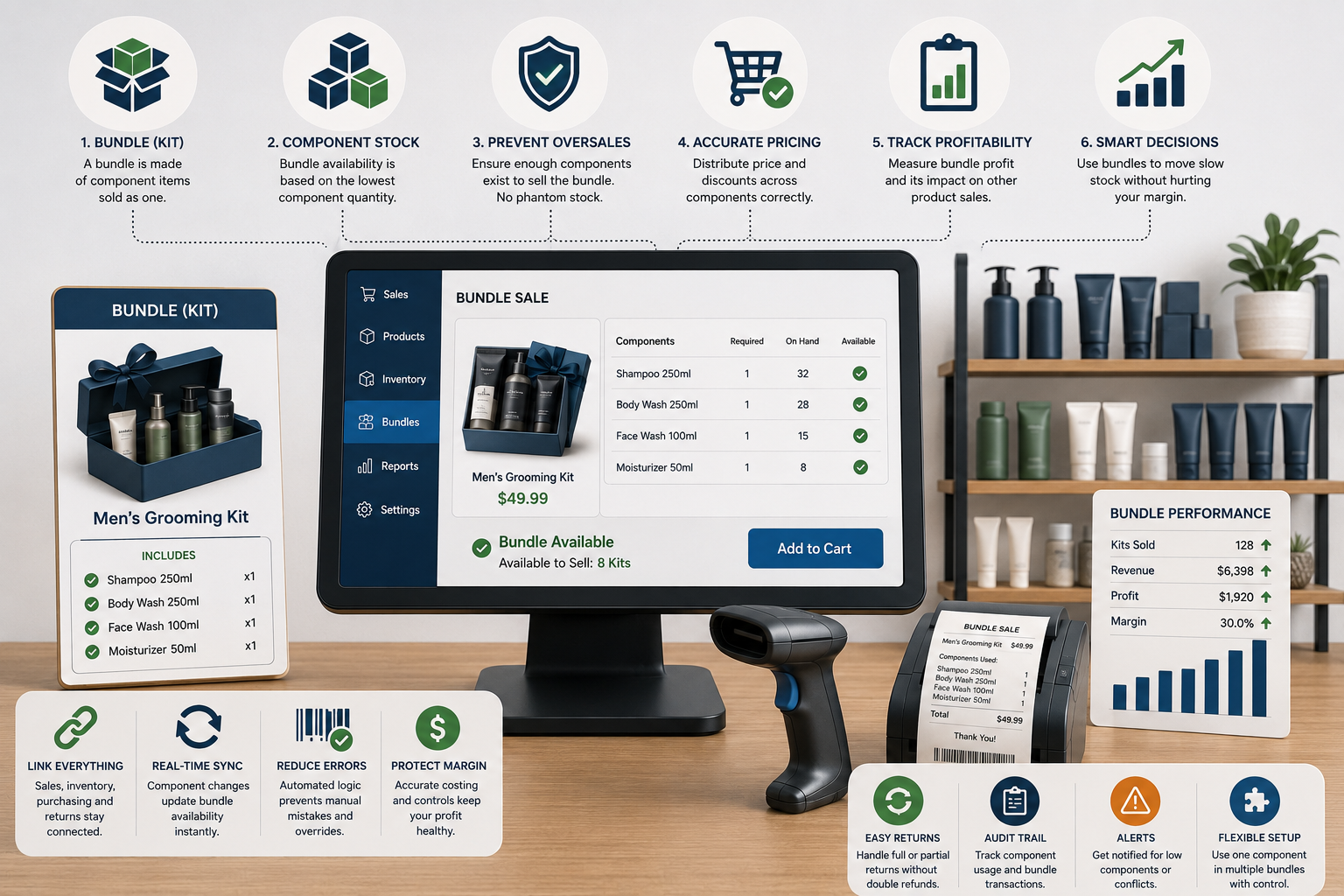
The Bundle Sold Out, but Every Item Is Still on the Shelf: How POS Systems Should Manage Kits, Multipacks, and Component Stock
Bundles can raise basket value, simplify buying, and move slow stock—but poor setup creates phantom availability, overselling, wrong costs, and confusing returns. Learn how POS systems should manage components, pricing, inventory, purchasing, and profitability.
Read article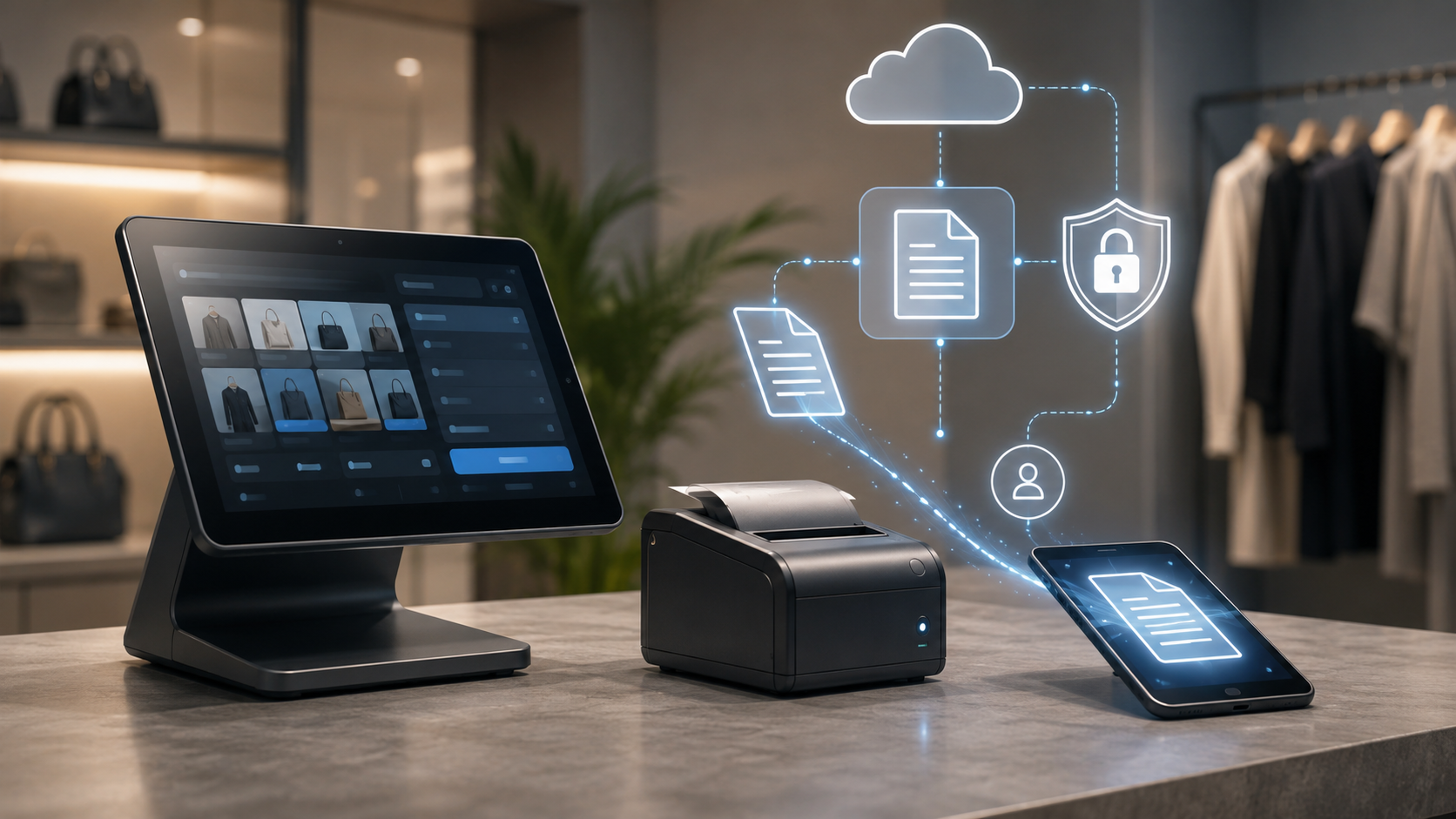
The Sale Is Finished, but the Document Is Just Beginning: How POS Digital Receipts and E-Invoicing Should Work
A modern POS must do more than print a slip. It should create accurate receipts, structured invoices, searchable records, customer delivery choices, tax-ready data, secure archives, and reliable links to returns. Learn how to design the document workflow without turning checkout into a privacy or compliance problem.
Read article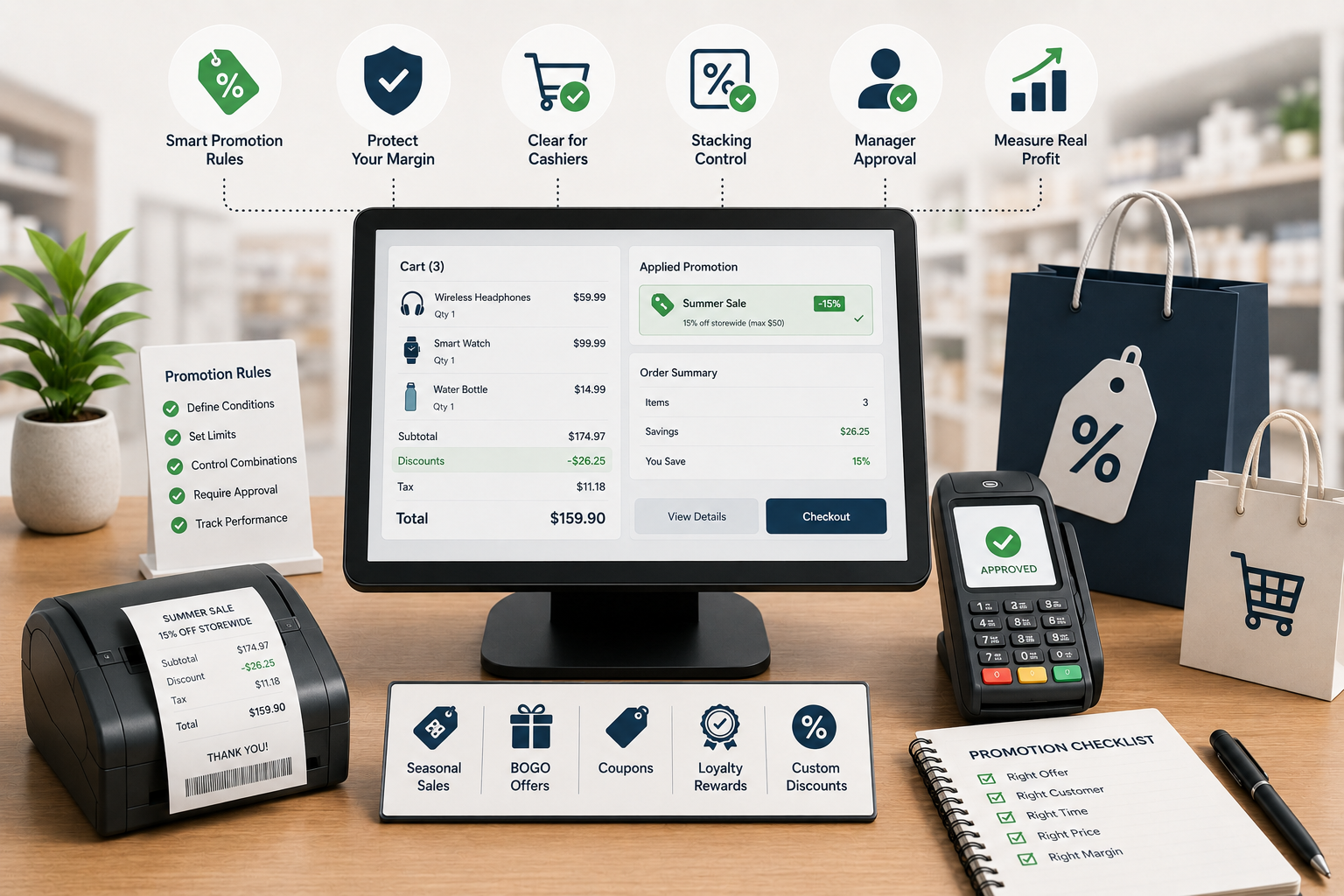
The Discount Worked—But Did the Store Make Money? How POS Promotion Rules Protect Retail Margin
Promotions can increase traffic while quietly damaging margin through discount stacking, wrong eligibility, cashier overrides, returns, and weak reporting. Learn how a modern POS should control offers from setup to post-campaign analysis.
Read article